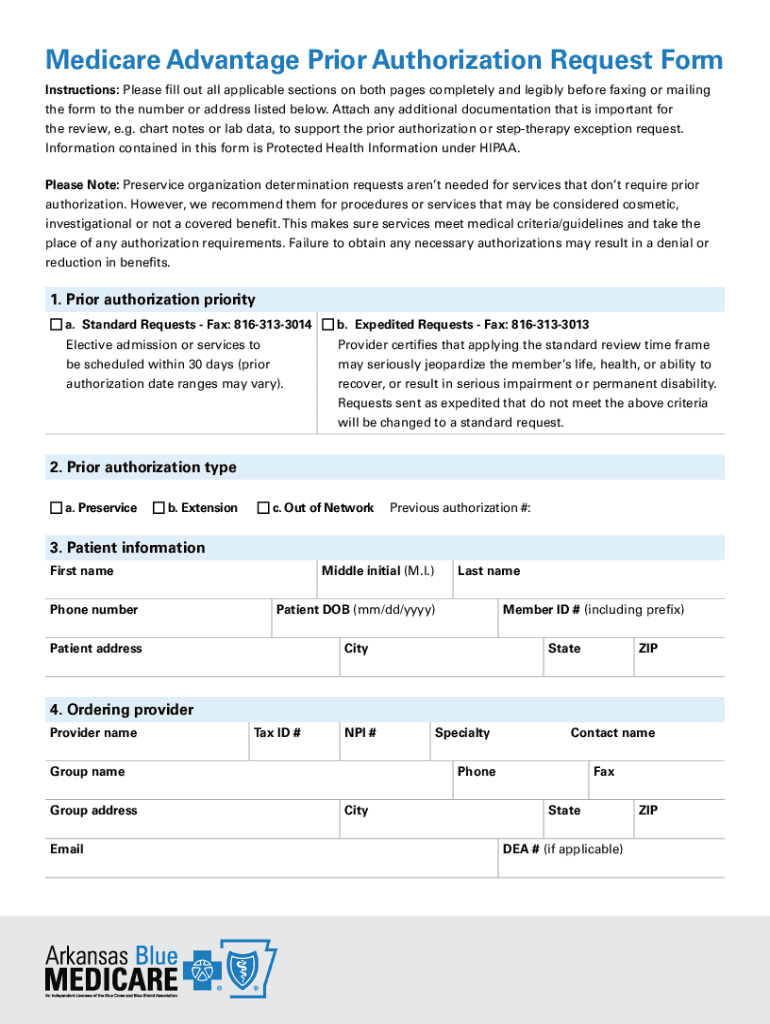
Therapy Medicare Advantage Prior Authorization Request Form 15446 Please fax to OrthoNet at: 1-844-340-6419 Fax Date: # of Pages Faxed: THERAPY PROVIDER INFORMATION Facility or Provider Name Street.
Loading

Open form follow the instructions

Easily sign the form with your finger

Send filled & signed form or save
How to use or fill out the Therapy Request Form - OrthoNet online
Completing the Therapy Request Form - OrthoNet online is essential for requesting prior authorization for therapy services. This guide provides a comprehensive walkthrough to help users fill out the form accurately and efficiently.
Follow the steps to easily fill out and submit the Therapy Request Form.
- Click ‘Get Form’ button to access the Therapy Request Form and open it in your preferred online editor.
- Begin by providing the therapy provider information. Include the facility or provider name, street address, city, state, telephone number, ZIP code, and fax number. Make sure to fill in the provider tax ID number and the appropriate national provider identifiers (NPI) for billing.
- Next, fill out the patient information section. Enter the first and last name of the patient, their Anthem BC/BS member ID number, date of birth in the specified format, and Medicare member ID number.
- In the request information section, indicate the request type—whether it's for the onset or extension of therapy services. If applicable, specify if this request pertains to post-operative therapy visits, and include the initial evaluation date and any other relevant procedure details.
- Select the service type required for the therapy—physical therapy or occupational therapy—along with the corresponding diagnosis code in ICD-10 format.
- Ensure that all requested information is printed clearly in black ink, with one character per box and all circles filled appropriately.
- Once completed, fax the request form along with any supporting clinical documentation to OrthoNet at 1-844-340-6419. Ensure that this form serves as page 1 of the fax.
- Lastly, save changes to your document, download a copy for your records, print the form if needed, or share it as required.
Start filling out the Therapy Request Form online today to ensure timely processing of your prior authorization requests.
Experience a faster way to fill out and sign forms on the web. Access the most extensive library of templates available.
Related content
of these codes are limited in time and thus require units of treatment to be specified...
request form therapy dme, amerigroup precertification request form medicare code, orthonet...
Get answers to your most pressing questions about US Legal Forms API.
Are OrthoNet and Optum the same?
Agreement and Terms These Terms constitute a legally binding agreement between you, the person using this website, and OrthoNet (an Optum-owned company).
What is the phone number for OrthoNet provider portal?
If you should have additional questions regarding this program, contact OrthoNet's Provider Services Department at 1-800-401-0062 for further assistance.
What is OrthoNet Aetna?
OrthoNet is the leading orthopaedic specialty benefit management company in the United States.
What does OrthoNet do?
Accredited by URAC for Health Utilization Management, OrthoNet is committed to improving musculoskeletal healthcare delivery through a care management model that incorporates the needs of payors, providers, and members.
Use professional pre-built templates to fill in and sign documents online faster. Get access to thousands of forms.
If you believe that this page should be taken down, please follow our DMCA take down process here.