Loading
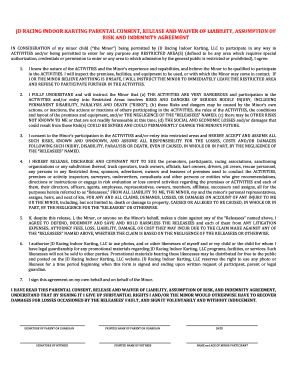
Get Jd Racing Waiver
How it works
-

Open form follow the instructions
-

Easily sign the form with your finger
-

Send filled & signed form or save
How to fill out the Jd Racing Waiver online
Completing the Jd Racing Waiver online is a straightforward process that helps ensure that parents or guardians understand the risks associated with their child's participation in activities. This guide provides a step-by-step overview to assist you in filling out the waiver accurately and efficiently.
Follow the steps to fill out the Jd Racing Waiver online
- Press the ‘Get Form’ button to access the waiver and open it in your preferred editor.
- Read through the introductory information provided in the waiver. This section outlines the purpose of the document and provides important context about its legal implications.
- In the initial section, provide the name of the minor child. Ensure that the name is spelled correctly.
- Next, you will encounter a section where you acknowledge understanding of the waiver. Carefully read this section and confirm your awareness of the nature of the activities and the associated risks.
- Proceed to the next fields where you affirm that you will instruct the minor about safety protocols and understand the potential dangers involved in the activities.
- You will be required to sign the waiver. Enter your signature electronically or draw it in the designated field.
- Enter your printed name in the space provided to confirm your identity as the parent or guardian.
- Complete any witness signature fields if applicable, ensuring they follow the required guidelines.
- Finally, review the completed waiver to verify that all information is correct before saving, downloading, or printing the document for your records.
Complete your documents online today for a smooth and efficient experience.