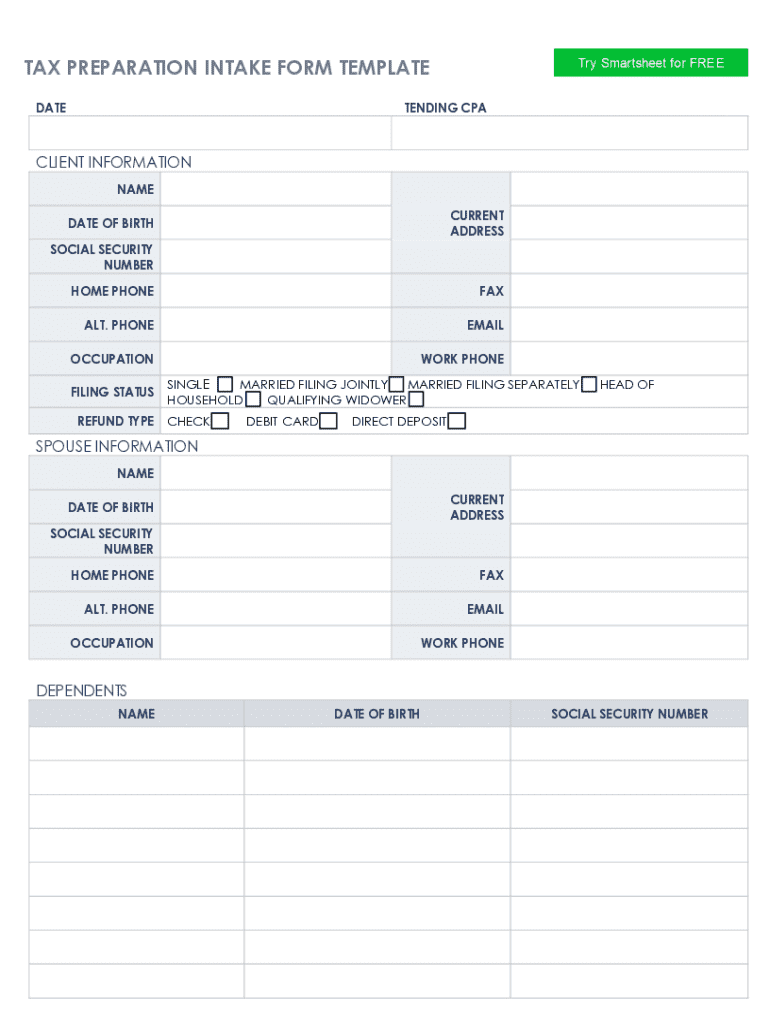
TAXSTAR INCOME TAX SERVICE 5-Minute Tax Questionnaire Cuestionario de Organizacion de Impuestos de 5 Minutos Income Tax Preparation Client Tax Questionnaire Hoja de informacion del cliente para preparacion.

Open form follow the instructions

Easily sign the form with your finger

Send filled & signed form or save
How to fill out the Tax Preparer Client Questionnaire online
Filling out the Tax Preparer Client Questionnaire online can help streamline the tax preparation process, ensuring that you provide all necessary information accurately. This guide will walk you through each section of the form to help you complete it with confidence.
Follow the steps to successfully complete the questionnaire.
- Click ‘Get Form’ button to obtain the form and open it in your preferred editor.
- Begin with SECTION 1: Personal Information. Provide your first name, middle initial, last name, and Social Security Number. Indicate your marital status and fill in your street address, city, state, and zip code. Include your home and work phone numbers, date of birth, and occupation. If applicable, indicate if you want to donate $3 to the Presidential Campaign Fund.
- Complete the spouse’s information in the same section if you are filing jointly. Include their personal details and specify if they can be claimed as a dependent.
- Proceed to SECTION 2: Filing Status. Select your appropriate filing status by marking single, married filing jointly, or other applicable options. If married, provide your spouse's name and Social Security Number.
- In SECTION 3: Dependent Information, enter details for each dependent, including their name, Social Security Number, date of birth, relationship to you, and gross income for the applicable year.
- In SECTION 4: Income, answer questions regarding your income sources such as Social Security benefits, interest income, and business income. Provide amounts for each income source as applicable.
- Proceed to SECTION 5: Deductions. Indicate if you have child care expenses, student loan interest deductions, or IRA deductions. Provide details and amounts where needed.
- In SECTION 6: General Questions, answer questions about your last year’s filing, whether you owe back taxes, or any student loans. Mark appropriate fields.
- Complete SECTION 7: Refund Information. Indicate how you wish to receive any potential refund. Provide bank account details if you want direct deposit.
- Finally, acknowledge the accuracy of the information provided by signing and dating the form. Ensure all pages are filled accurately and completely.
- Review your completed questionnaire for accuracy. Once finished, you can save changes, download, print, or share the form as needed.
Complete your Tax Preparer Client Questionnaire online today to ensure a smooth tax preparation process.
Experience a faster way to fill out and sign forms on the web. Access the most extensive library of templates available.
Related content
Social security cards or ITIN letters for all persons on your tax return. • Picture ID...
by JL Tuddenham · 1972 · Related articlesInitial data was obtained from a...
“My business has grown from 225 tax returns to over 7,500 clients since the first time I...
Get answers to your most pressing questions about US Legal Forms API.
What are 3 key questions you should ask to determine whether a client is required to file an income tax return?
In most cases, income, filing status and age determine if a taxpayer must file a tax return. Other rules may apply if the taxpayer is self-employed or if they are a dependent of another person.
What questions should I ask a new tax client?
8 Questions to Ask Your Tax Advisor What Does Your Tax Preparation Process Look Like? ... How Can You Help Me With My Tax Goals? ... What Information Will You Need From Me to File My Taxes? ... What Can I Do Differently to Improve My Tax Situation? ... Based on My Situation, What Other Things Should I Try and Do This Year?
What are some good tax questions to ask?
7 Most Common Tax Questions Answered by a CPA How can I reduce my tax bill? What kind of deductions do I qualify for? What is the difference between marginal and effective tax rates? Which is better: a tax credit or a tax deduction? Can I deduct medical expenses? Should I itemize or claim the standard deduction?
What is a tax questionnaire for?
A client tax questionnaire is used by tax professionals to find out if clients are making purchases that can be deducted from their taxes.
How do I pick up tax clients?
11 Ways to Find Clients When Starting a New Tax and Accounting... Create a website. ... Tell your family, friends, and existing network. ... Ask people in your target market for advice on landing clients like them. ... Start building reviews from the start. ... Maintain active professional social media from the start.
How do you interview a tax client?
Conducting a Thorough Tax Client Interview Before the appointment. ... Smile and welcome your client. ... Gather personal information. ... Ask for all possible sources of income, not just W2s. ... Adjustments to Income. ... Determine to Use Standard or Itemized Deductions. ... Determine if there are any tax credits.
What are tax questions to ask when starting a business?
6 Tax Questions Small Business Owners Are Asking What do I need to file taxes for my small business? ... What expenses are tax deductible? ... Are meals 100% tax deductible? ... Am I eligible for a home office deduction? ... Is the Paycheck Protection Program (PPP) relevant to my 2021 tax filing? ... Should I make estimated tax payments?
Use professional pre-built templates to fill in and sign documents online faster. Get access to thousands of forms.
If you believe that this page should be taken down, please follow our DMCA take down process here.