Loading
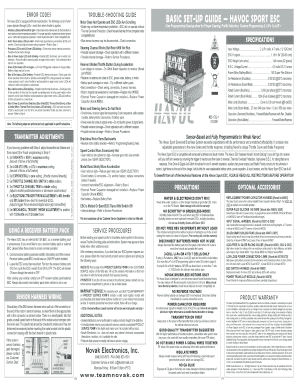
Get Novak Havoc Codes Form
How it works
-

Open form follow the instructions
-

Easily sign the form with your finger
-

Send filled & signed form or save
How to fill out the Novak Havoc Codes Form online
This guide provides clear and concise instructions on how to successfully complete the Novak Havoc Codes Form online. Whether you are a first-time user or have some experience, you will find this step-by-step approach easy to follow and informative.
Follow the steps to complete the Novak Havoc Codes Form correctly.
- Click ‘Get Form’ button to obtain the form and open it in the editor.
- Review the title section of the form to ensure you are filling out the correct Novak Havoc Codes Form.
- Provide your personal details in the designated fields. This may include your full name, contact information, and address.
- Fill out the specific error code section. Consult the trouble-shooting guide if you are unsure which error code applies to your case.
- Complete the description section by detailing the problems you're experiencing with the equipment.
- Review your input for accuracy before proceeding. Make sure all necessary fields have been completed.
- Once you are satisfied with the information provided, you can save your changes, download a copy of the form, print it, or share it as needed.
Complete your forms online for efficient processing and support.
Related links form
Circuit Questions - Primary Leap Worksheets Year 6 Science Unit 6g Changing Circuits - Circuit
Homophones 1 - Primary Leap Worksheets Homophones Are Words That Sound The Same But Have Different
Animal Groups - Reptiles - Primary Leap Worksheets Year 2 Science - Unit 2c Variations This
ARB Request Form - Mingo Creek
Industry-leading security and compliance
US Legal Forms protects your data by complying with industry-specific security standards.
-
In businnes since 199725+ years providing professional legal documents.
-
Accredited businessGuarantees that a business meets BBB accreditation standards in the US and Canada.
-
Secured by BraintreeValidated Level 1 PCI DSS compliant payment gateway that accepts most major credit and debit card brands from across the globe.