Loading
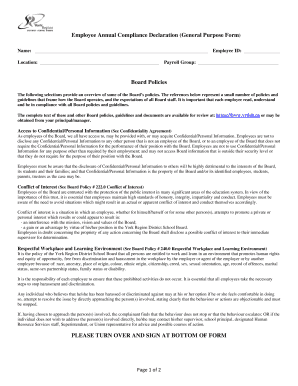
Get Employee Annual Compliance Declaration (general Purpose Form ...
How it works
-

Open form follow the instructions
-

Easily sign the form with your finger
-

Send filled & signed form or save
How to fill out the Employee Annual Compliance Declaration (General Purpose Form) online
Completing the Employee Annual Compliance Declaration is essential for maintaining compliance with Board policies. This guide provides clear and supportive instructions to help you fill out the form accurately and efficiently.
Follow the steps to complete your compliance declaration form online.
- Click the ‘Get Form’ button to obtain the form and launch it in your preferred online editor.
- Begin by filling in your name at the designated space at the top of the form.
- Next, provide your location where indicated, ensuring it is clear and accurate.
- Enter your Employee ID in the corresponding field, making sure that it matches your records.
- Specify your Payroll Group by filling in that section, which categorizes your employment details.
- Review the Board Policies section. Familiarize yourself with the guidelines regarding Confidential/Personal Information, Conflict of Interest, and other critical topics.
- In the Declaration section, state whether you have any convictions under the Criminal Code of Canada. Mark the appropriate option and, if applicable, list out any relevant convictions, including dates and court locations.
- If additional space is necessary for listing convictions, attach a separate sheet as instructed.
- Double-check all entered information for accuracy and completeness before signing.
- Sign and date the form at the bottom to confirm the accuracy of the information provided, and then save your changes.
- Finally, download, print, or share the form as required, ensuring the signed document is returned to the appropriate department.
Ensure your compliance by completing the Employee Annual Compliance Declaration online today.
A design compliance declaration (DCD) confirms that a registered design practitioner has prepared a regulated design for a class 2 building which complies with the Building Code of Australia (BCA) and other relevant standards.