Loading
Get Tp 82 Dumas Surat
How it works
-

Open form follow the instructions
-

Easily sign the form with your finger
-

Send filled & signed form or save
How to fill out the Tp 82 Dumas Surat online
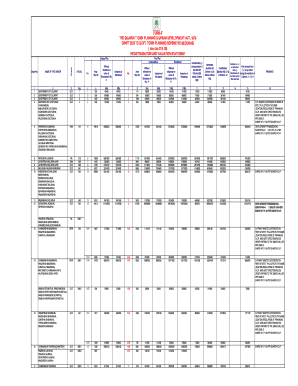
The Tp 82 Dumas Surat is an essential document within the Gujarat Town Planning & Urban Development framework. This guide provides clear and concise steps to help users complete this form accurately, whether they are familiar with legal terminology or not.
Follow the steps to complete the Tp 82 Dumas Surat online.
- Press the 'Get Form' button to access the document and open it in your online editor.
- Begin by entering your case number in the designated field. This number helps identify your application within the system.
- Fill out the 'Name of the Owner' section with the full names of individuals or entities that own the property related to this application.
- Indicate the tenure of the property by selecting or entering the appropriate status (e.g. Ownership Type).
- In the 'Original Plot' section, provide the relevant details about the original plot location, including the survey number.
- Enter the area of the original plot in square meters in the specified field. Ensure this measurement reflects the total area as required.
- Proceed to the 'Final Plot' section, where you will denote whether it is developed or undeveloped. Include necessary values both 'Without reference to the value of Structures' and 'Inclusive of Structures'.
- Provide calculations for 'Contribution' or 'Compensation' as outlined in the respective sections and columns related to Section 67.
- Review the section for increment values according to Section 65, ensuring accuracy in calculations as this will reflect the changes in value based on your submissions.
- Finally, verify all entered information for correctness. Once confirmed, the form can be saved, downloaded, printed, or shared directly from the platform.
Start completing your documents online today for a smoother processing experience.
Use the pageBreakInside property in JavaScript to set the page-break behavior inside an element. Use the auto property to insert page break inside an element. Use auto or avoid property value to automatically insert page break inside an element, if needed, or avoid a page break, respectively.
Industry-leading security and compliance
US Legal Forms protects your data by complying with industry-specific security standards.
-
In businnes since 199725+ years providing professional legal documents.
-
Accredited businessGuarantees that a business meets BBB accreditation standards in the US and Canada.
-
Secured by BraintreeValidated Level 1 PCI DSS compliant payment gateway that accepts most major credit and debit card brands from across the globe.