Loading
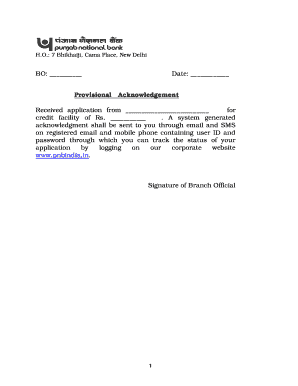
Get Micro, Small And Medium Enterprises Application Form For Credit ...
How it works
-

Open form follow the instructions
-

Easily sign the form with your finger
-

Send filled & signed form or save
How to fill out the Micro, Small And Medium Enterprises Application Form For Credit online
This guide provides a clear, step-by-step approach to filling out the Micro, Small and Medium Enterprises Application Form for Credit online. It is designed to assist users of all experience levels in successfully completing the application.
Follow the steps to complete the application form with ease.
- Select the ‘Get Form’ button to access the application form and open it in your preferred editor.
- Begin with section 1.1 by entering the name of the unit in block letters. Ensure that all entries are clear and legible.
- Proceed to section 1.2 to select the constitution type of your enterprise, such as Proprietary, Partnership, Private Limited Company, or Cooperative Society.
- In section 1.3, indicate the name of the business house or group if applicable. This information helps in identifying your enterprise's affiliations.
- Fill in section 2.1 with the registration number obtained from the District Industries Centre or the Directorate of Industries.
- In section 2.2, provide the date of incorporation or commencement of business, and in section 2.3, indicate the state and city where the loan is required.
- Move to section 3 to list the business address and telephone number, including the registered office and factory address.
- Section 4 requires you to provide names of the proprietor, partners, promoters, or directors as per the specified format.
- In section 5, describe your existing and proposed industrial activities succinctly.
- If you are an existing unit, use section 6 to detail how the activity has been financed so far, indicating sources of funds and any security available.
- In section 7, list the past performance by indicating turnover and profits for the last three years.
- If applicable, provide details of statutory payments in section 8, including amounts and the periods they have been overdue.
- Finalize by reviewing all information entered for accuracy. Users can then save changes, download, print, or share the completed form.
Start filling out your application form online today to secure your credit facility.
Go to Insert > Header & Footer. Add or header or footer text. Use the Options menu for additional customization. To exit, select Close Header and Footer or press Esc. To delete, select Insert > Header (or Footer) > Remove Header (or Remove Footer).