Loading
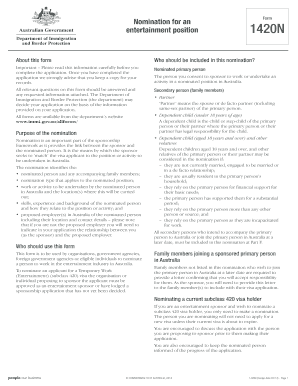
Get Form 1420n
How it works
-

Open form follow the instructions
-

Easily sign the form with your finger
-

Send filled & signed form or save
How to fill out the Form 1420n online
Filling out the Form 1420n online can be a straightforward process when approached step by step. This guide aims to provide you with clear instructions to ensure your submission is complete and accurate.
Follow the steps to successfully complete the Form 1420n online.
- Click the ‘Get Form’ button to access the form and open it in your preferred editor.
- Begin by entering the primary details of the organization or individual submitting the nomination, such as the registered name, trading name, and Australian Business Number (ABN). Be sure to provide your contact information for follow-ups.
- Indicate whether you are an approved sponsor or if you have applied for approval. If not approved, you will need to complete Form 1420S before proceeding.
- Fill in the proposed period of employment or activity for the nominated person. Make sure the dates are accurate and reflect the actual engagement period.
- Select the relevant nomination type that corresponds to the position. This includes options such as performer in film, documentary or commercial for overseas use, among others.
- Provide details regarding any necessary licenses required for the work to be performed and attach relevant documentation as indicated.
- Complete the information about the nominated person, including their full name, date of birth, country of birth, and citizenship details.
- List all family members that intend to accompany the nominated person, providing their details and relationship to the nominee.
- Double-check that all sections have been completed accurately, and any required attachments are included.
- Once satisfied, save the completed form, and consider downloading or printing a copy for your records before submission.
Start your document management process today by completing the Form 1420n online.
To recap you could: Draw, scan, and manually upload your signature. Use a free, online signing tool like CreateMySignature. Sign using Microsoft Word. Create secure signatures using PandaDoc. Sign via native operating system tools (Mac / Windows). Sign PDFs using a PDF editor like Adobe Acrobat.
Industry-leading security and compliance
US Legal Forms protects your data by complying with industry-specific security standards.
-
In businnes since 199725+ years providing professional legal documents.
-
Accredited businessGuarantees that a business meets BBB accreditation standards in the US and Canada.
-
Secured by BraintreeValidated Level 1 PCI DSS compliant payment gateway that accepts most major credit and debit card brands from across the globe.