Loading
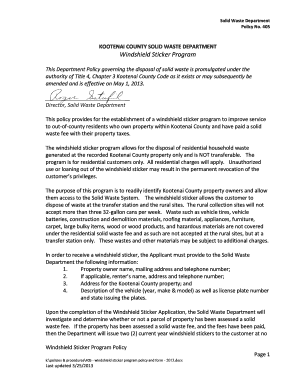
Get Kootenai County Solid Waste Department - Kcgov
How it works
-

Open form follow the instructions
-

Easily sign the form with your finger
-

Send filled & signed form or save
How to fill out the Kootenai County Solid Waste Department - Kcgov online
Filling out the Kootenai County Solid Waste Department's windshield sticker application online is a straightforward process. This guide provides you with step-by-step instructions to ensure you complete the form accurately and efficiently.
Follow the steps to successfully complete the application for a windshield sticker.
- Click the ‘Get Form’ button to obtain the application form and open it in your preferred editor.
- Begin by entering the date of completion in the designated field.
- Provide the property owner’s name in the required section, ensuring it is printed clearly.
- If applicable, include the renter's name in the corresponding field.
- Fill in the current mailing address where you would like the stickers to be sent, including city, state, and zip code.
- Enter a valid telephone number, formatted correctly for clarity.
- Input the Kootenai County property address accurately.
- For the vehicle description, list the year, make, and model of the vehicle for which you are requesting stickers.
- Provide the license plate number and the state where it was issued for the vehicle.
- Repeat the vehicle description for any additional vehicles, as applicable, making sure to stay within the guidelines for maximum stickers.
- Review all details for accuracy before finalizing the form.
- Save your changes and download the completed form, or print it for submission.
- Return the completed application to the Kootenai County Solid Waste Department using the provided contact methods.
Start completing your windshield sticker application online now.
Collection days for the following facilities are: Ramsey Transfer Station is Wednesday and Saturday from 8 a.m. to 4 p.m. Prairie Transfer Station is Friday and Saturday from 8 a.m. to 4 p.m.