Loading
Get Canada Life Application Form
How it works
-

Open form follow the instructions
-

Easily sign the form with your finger
-

Send filled & signed form or save
How to fill out the Canada Life Application Form online
Completing the Canada Life Application Form online can streamline your application process. This guide will provide clear, step-by-step instructions on how to accurately fill out each section of the form to ensure a successful submission.
Follow the steps to fill out the form effectively.
- Click ‘Get Form’ button to obtain the form and open it in the editor.
- Begin by filling in your personal details, including your full name, address, and contact information. Ensure that all information is accurate to avoid delays in processing your application.
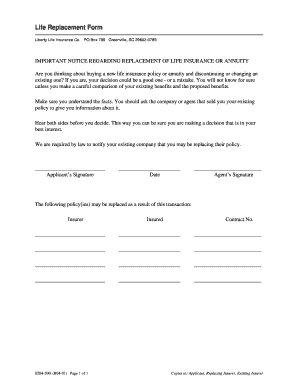
- Provide the details of your existing life insurance policy if you are replacing it. This includes the insurer's name, policy number, and coverage amount.
- Review the benefits of the new policy you are applying for and ensure you compare them with your existing policy. Make a note of any vital terms or conditions that differ.
- Sign the application form at the designated signature lines, confirming that the information provided is accurate and complete.
- After completing the form, you will have options to save your changes, download a copy, print it out, or share directly as necessary.
Complete your Canada Life Application Form online today!
To submit your claim, you'll first need to fill out claim forms. The life insurance company will provide the claim forms. You must complete all forms and submit the information requested by the insurance company. Each beneficiary named in the policy will have to fill out the claim forms.