Loading
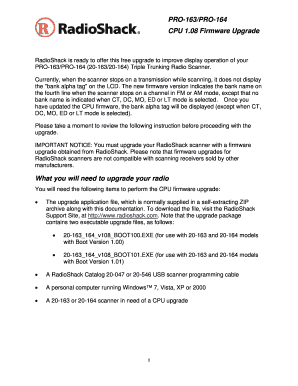
Get Pro 163 Scanner
How it works
-

Open form follow the instructions
-

Easily sign the form with your finger
-

Send filled & signed form or save
How to fill out the Pro 163 Scanner online
This guide provides clear and detailed instructions on how to properly fill out the Pro 163 Scanner online. Whether you are experienced or new to the process, this resource aims to be user-friendly and informative.
Follow the steps to complete the form effectively.
- Click the ‘Get Form’ button to obtain the form and open it in your preferred online editor.
- Review the initial instructions on the form carefully. Make sure you understand the requirements and prepare any necessary documentation or information needed to complete the form.
- Fill out the required fields on the form. Ensure all information is accurate and complete. Missing information could lead to delays in processing your request.
- If the form includes sections that require explanation or additional information, provide clear and concise responses. Avoid jargon unless it is necessary.
- After completing the form, take time to review all entries for accuracy. Double-check your contact information and any other critical details.
- Once you are satisfied with the information provided, follow the on-screen instructions to save changes, download, print, or share the completed form as needed.
Begin filling out your documents online for a more efficient experience.
RadioShack scanners are manufactured by Whistler (formerly by GRE) for RadioShack.
Industry-leading security and compliance
US Legal Forms protects your data by complying with industry-specific security standards.
-
In businnes since 199725+ years providing professional legal documents.
-
Accredited businessGuarantees that a business meets BBB accreditation standards in the US and Canada.
-
Secured by BraintreeValidated Level 1 PCI DSS compliant payment gateway that accepts most major credit and debit card brands from across the globe.