Loading
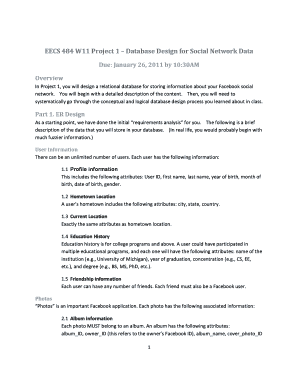
Get Umich Eecs 484
How it works
-

Open form follow the instructions
-

Easily sign the form with your finger
-

Send filled & signed form or save
How to fill out the Umich Eecs 484 online
This guide provides a comprehensive and user-friendly approach to filling out the Umich Eecs 484 form online. It outlines the key components and offers detailed instructions tailored to your needs, ensuring a smooth submission process.
Follow the steps to successfully complete the Umich Eecs 484 form.
- Click the ‘Get Form’ button to obtain the document and open it for editing.
- Begin completing the form by providing your project details, including your unique identifiers and other required personal information.
- Follow the instructions for Part 1 by detailing your ER Design, including all the relevant user information, hometown and current location data, education history, and friendship details.
- Proceed to Part 2 by converting your ER Diagrams to relational schemas, ensuring you draft the createTables.sql and dropTables.sql files correctly.
- In Part 3, follow the prompt to acquire and manage Facebook data, ensuring you correctly log into your Oracle account and execute any provided SQL commands.
- Finally, ensure that all the necessary files are compiled, including your ER Diagram and the three SQL files, and prepare them for submission.
- Review your work, save your changes, and ensure the files are well-organized in a zip or tar file for easy submission.
Complete the Umich Eecs 484 form online today to ensure your project is submitted on time.
Industry-leading security and compliance
US Legal Forms protects your data by complying with industry-specific security standards.
-
In businnes since 199725+ years providing professional legal documents.
-
Accredited businessGuarantees that a business meets BBB accreditation standards in the US and Canada.
-
Secured by BraintreeValidated Level 1 PCI DSS compliant payment gateway that accepts most major credit and debit card brands from across the globe.