Loading
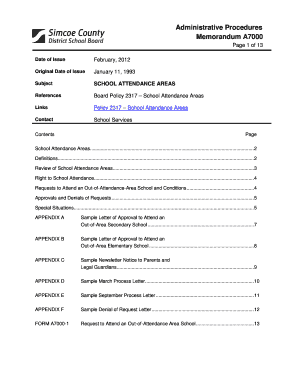
Get Simcoe County Form A7000 1
How it works
-

Open form follow the instructions
-

Easily sign the form with your finger
-

Send filled & signed form or save
How to fill out the Simcoe County Form A7000 1 online
Filling out the Simcoe County Form A7000 1 online is a straightforward process that allows students or their guardians to request attendance at an out-of-attendance-area school. This guide provides step-by-step instructions to help you navigate the form with ease.
Follow the steps to successfully complete the Form A7000 1 online.
- Click ‘Get Form’ button to obtain the form and open it in the online editor.
- Enter the date of the request in the designated field to indicate when you are submitting the form.
- Fill in the student's information including their full name and date of birth. Ensure the details are accurate to avoid delays.
- Indicate the grade level or program the student will be in during the requested start date. This information is crucial for processing the request.
- Provide the name of the home school and the requested out-of-attendance-area school. Double-check spelling and accuracy.
- If applicable, select 'Yes' or 'No' regarding whether the student is currently under expulsion.
- Attach a letter outlining the rationale for the request in the specified section. This should detail the reason for wishing to attend another school.
- Complete the parent/guardian information section by providing names, addresses, and contact numbers. This is essential for communication purposes.
- If there is joint custody, ensure that both parents' signatures are included as required.
- Review all entered information for accuracy and completeness before submitting the form.
- Save changes, download a copy for your records, and print the form if necessary for signatures.
- Finally, share the form with the appropriate parties as indicated in the guidelines provided.
Complete your Form A7000 1 online today to ensure a smooth application process for your school attendance request.
An invoice is simply a record of a transaction, not an agreement. Because of this, there is no requirement that an invoice be signed for it to be valid. However, requesting the customer's signature on an invoice is a common practice.
Industry-leading security and compliance
US Legal Forms protects your data by complying with industry-specific security standards.
-
In businnes since 199725+ years providing professional legal documents.
-
Accredited businessGuarantees that a business meets BBB accreditation standards in the US and Canada.
-
Secured by BraintreeValidated Level 1 PCI DSS compliant payment gateway that accepts most major credit and debit card brands from across the globe.