Loading
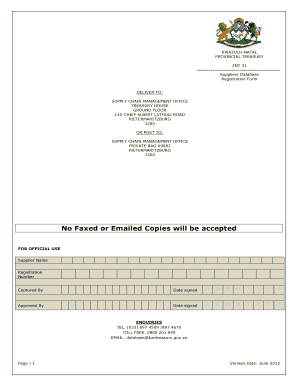
Get Znt Number Form
How it works
-

Open form follow the instructions
-

Easily sign the form with your finger
-

Send filled & signed form or save
How to fill out the Znt Number Form online
The Znt Number Form, also known as the ZNT 31, is essential for registering suppliers on the KwaZulu-Natal Provincial Suppliers Database. This guide provides clear, step-by-step instructions to effectively complete the form online, ensuring all necessary information is accurately captured.
Follow the steps to fill out the Znt Number Form.
- Click the ‘Get Form’ button to obtain the form and access it for completion.
- Begin filling in the required fields in Section A, which includes your personal details and acknowledgement of the guidelines.
- Proceed to Section B, where you will provide your company information, including the legal name and physical address.
- In Section B, also provide financial information, including your bank account details, tax information, and any relevant business particulars.
- Move to Section C, which requires you to provide ownership information. List all owners and their percentages of ownership in the business.
- Complete Section D by selecting your type of business and classifying it according to the guidelines provided in the form.
- Finally, verify all information in Section E, ensuring that you are ready to submit the form with all the required signatures and supporting documents.
- After filling out the form, save your changes, download a copy for your records, print it out if necessary, or share it as per your requirements.
Start completing the Znt Number Form online now to ensure your registration as a supplier.
Get form
Experience a faster way to fill out and sign forms on the web. Access the most extensive library of templates available.
Get This Form Now!
Use professional pre-built templates to fill in and sign documents online faster. Get access to thousands of forms.