Loading
Get Victoria Neave Personal Financial Statement
How it works
-

Open form follow the instructions
-

Easily sign the form with your finger
-

Send filled & signed form or save
How to fill out the Victoria Neave Personal Financial Statement online
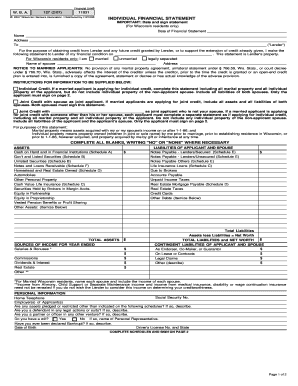
Completing the Victoria Neave Personal Financial Statement online is a straightforward process designed to capture your financial condition. This guide provides clear and supportive instructions to help you understand each component of the form.
Follow the steps to successfully complete the form online.
- Press the ‘Get Form’ button to access the document and open it in your preferred editor.
- Begin by filling in the date of the financial statement at the top of the form.
- Enter your full name and address, ensuring accuracy as these details are essential for the lender.
- Indicate your marital status by selecting from the options: married, unmarried, or legally separated, and provide your spouse's name if applicable.
- Review the instructions provided regarding the type of credit you are applying for (individual or joint credit) and complete the statement accordingly.
- Complete the sections on assets and liabilities, ensuring to include all relevant financial information. Write ‘no’ or ‘none’ in any fields that do not apply to you.
- List your sources of income accurately, including salaries, bonuses, and other income, specifying amounts for clarity.
- Fill out the section on personal information, including social security number, home telephone, employment details, and any legal disclosures.
- Make sure to complete all supplementary schedules as required to provide a comprehensive view of your financial situation.
- Review the entire document for accuracy, then sign and date the form before submitting it.
Start completing your documents online today!
Certification Date means the date that the Committee makes its written certification of a Final Award.