Get Nfcu Beneficiary Form
How it works
-

Open form follow the instructions
-

Easily sign the form with your finger
-

Send filled & signed form or save
How to fill out the Nfcu Beneficiary Form online
Filling out the Nfcu Beneficiary Form online is an essential step for establishing and managing your financial accounts effectively. This guide will provide you with a clear and supportive walkthrough of each section of the form, ensuring that you can complete it accurately and easily.
Follow the steps to fill out the Nfcu Beneficiary Form online
- Press the ‘Get Form’ button to obtain the Nfcu Beneficiary Form and open it in your preferred document editor.
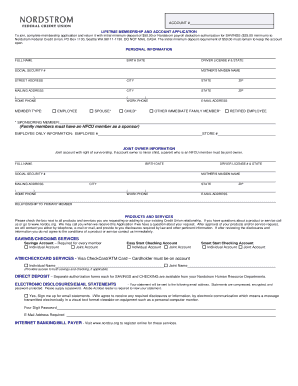
- Begin filling out the personal information section, including your full name, birth date, and contact details such as home and work phone numbers as well as your email address.
- Proceed to the member type selection, where you can indicate whether you are an employee, spouse, child, other family member, or a retired employee.
- If you have a joint owner for your account, provide their full name, birth date, and contact information in the joint owner information section.
- In the products and services section, select all applicable services you wish to request, ensuring to include the necessary information for any specific services.
- Fill out the beneficiary section by providing the names, social security numbers (if known), addresses, and phone numbers for each designated beneficiary.
- Complete the certification section regarding taxpayer identification and backup withholding, ensuring all necessary information is accurate.
- Finally, sign and date the form in the signature section, confirming your application for membership and agreements.
- Once everything is filled out, save any changes, then download, print, or share the completed form as needed.
Start filling out your Nfcu Beneficiary Form online today to ensure your financial arrangements are in order.
To add a beneficiary to your bank account using the NFCU Beneficiary Form, start by logging into your Navy Federal account online or using the mobile app. Navigate to the account settings and select the option to manage beneficiaries. Fill out the NFCU Beneficiary Form with the required information for your chosen beneficiary, then submit the form for processing. This simple process ensures that your assets will be easily transferred to your loved ones when the time comes.