Loading
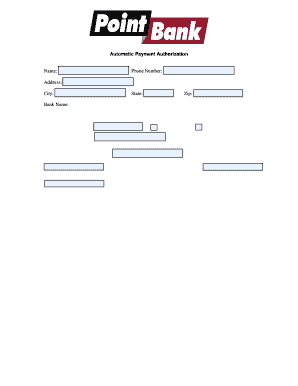
Get Automatic Payment Authorization Form Template
How it works
-

Open form follow the instructions
-

Easily sign the form with your finger
-

Send filled & signed form or save
How to fill out the Automatic Payment Authorization Form Template online
Filling out the Automatic Payment Authorization Form Template online is a straightforward process that allows users to authorize recurring payments for services. This guide provides a clear and supportive step-by-step approach to ensure that users can complete the form accurately and confidently.
Follow the steps to fill out your form online:
- Click ‘Get Form’ button to obtain the form and open it in the editor.
- Begin by entering your name in the designated field at the top of the form.
- Next, input your phone number and address information, which includes your city, state, and zip code.
- Provide your bank's name and address, followed by your bank account number. You will need to specify whether this account is a checking account or a savings account.
- If applicable, enter your vendor account number in the appropriate section.
- In the authorization statement, ensure that you clearly state the vendor's name and your bank. This section confirms that you allow the vendor to process variable entries to your account.
- Review any terms regarding the cancellation of the authorization and obligations related to dishonored charges.
- Sign the document in the designated area to authorize your request. If it is a joint account, include the second signature as required.
- Finally, you may need to attach a voided check or deposit slip with this form. Once completed, you can save your changes, download the form, print it, or share it as needed.
Complete your documents online today!
Filling out an ACH authorization form starts with downloading the Automatic Payment Authorization Form Template. Enter your banking information, the payment details, and your consent for ACH transactions. After filling out all required fields, review the form carefully before submitting it to authorize the automatic payment.