Loading
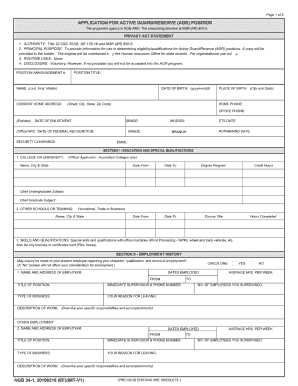
Get Ngb 34 1
How it works
-

Open form follow the instructions
-

Easily sign the form with your finger
-

Send filled & signed form or save
How to fill out the Ngb 34 1 online
The Ngb 34 1 is an essential document that many users need to complete for various purposes. This guide provides a clear and detailed walkthrough on how to fill out the Ngb 34 1 online, ensuring that you have all the necessary information at your fingertips.
Follow the steps to complete your Ngb 34 1 online
- Press the ‘Get Form’ button to access the Ngb 34 1 and open it in your preferred digital document editor.
- Begin by carefully reviewing the introductory section of the form, which outlines the purpose and any necessary disclaimers. Take note of the instructions provided.
- Fill out your personal information in the designated fields. This typically includes your name, contact details, and another relevant identification information as required by the form.
- Proceed to the next section where you will provide additional information related to the specific purpose of the form. This may involve details relevant to your request or application.
- Make sure to review all the information entered for accuracy. Double-check each field to ensure that there are no typos or missing information.
- Once you are confident that all sections are complete and correct, save your changes, and finalize the document. You may also opt to download, print, or share your completed Ngb 34 1 form.
Take the next step and complete your Ngb 34 1 online today.
The duration of an AGR application process can vary, generally taking anywhere from two to four months from submission to selection. However, this timeline may fluctuate depending on the number of applicants and the specific requirements of the position. Keeping a close eye on the updates from the National Guard's website will help you manage your expectations.