Loading
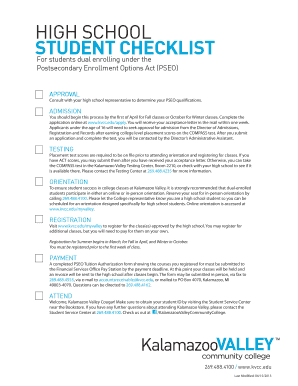
Get Kvccedupseopdf Form
How it works
-

Open form follow the instructions
-

Easily sign the form with your finger
-

Send filled & signed form or save
How to fill out the Kvccedupseopdf Form online
This guide will provide you with a step-by-step approach to filling out the Kvccedupseopdf Form online effectively. By following these instructions, you will ensure that your form is completed accurately and efficiently.
Follow the steps to complete your Kvccedupseopdf Form online.
- Click the ‘Get Form’ button to obtain the Kvccedupseopdf Form and open it in the respective editor.
- Begin by entering your student information. Fill out your Valley number, last name, and first name. Make sure all details are accurate.
- Specify the eligible courses for which you are registering. Indicate the semester (Fall, Winter, or Summer) and enter the course details, such as the subject, course number, and course title.
- Note the credit hours for each course and check the boxes for whether you are earning credit at KVCC, high school, or both.
- Fill in the details for where the invoice should be sent, including the attention, school name, address, and telephone number.
- If applicable, provide the unique identification code for billing the Michigan Department of Education, and indicate if you are billing a nonpublic school.
- Obtain the necessary high school authorization by ensuring the principal signs and dates the form to confirm eligibility under the Postsecondary Enrollment Options Act.
- After completing all sections, save your changes. You can then download, print, or share the form as required.
Complete your Kvccedupseopdf Form online today to ensure a smooth enrollment process.
Registering for classes at KVCC is an essential step in your educational journey. Start by logging into your student portal where you can view available courses. Make sure to have your Kvccedupseopdf Form ready when registering, as it may contain vital information needed for enrollment.