Loading
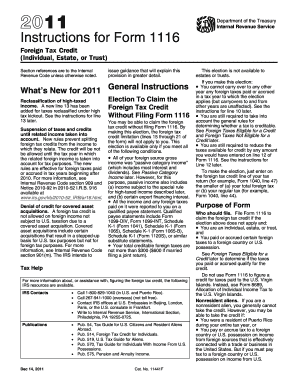
Get High Tax Kickout 1116
How it works
-

Open form follow the instructions
-

Easily sign the form with your finger
-

Send filled & signed form or save
How to fill out the High Tax Kickout 1116 online
Filling out the High Tax Kickout 1116 form is essential for individuals, estates, and trusts to claim the foreign tax credit. This guide will provide you with step-by-step instructions to complete the form accurately and efficiently, ensuring that you maximize your tax benefits.
Follow the steps to complete the High Tax Kickout 1116 form online.
- Press the ‘Get Form’ button to retrieve the High Tax Kickout 1116 form and open it in the digital editor.
- Start by entering your personal information, including your name and taxpayer identification number, at the top of the form.
- Move on to Part I, where you will list all foreign gross income from sources outside the United States. Ensure that you categorize the income correctly.
- In Part II, report the foreign taxes you have paid or accrued. Make sure to specify amounts in both foreign currency and U.S. dollars to avoid discrepancies.
- Complete Part III by calculating the credit for foreign taxes paid. Follow the instructions carefully and include any necessary adjustments.
- In Part IV, summarize the credits from separate categories, consolidating the information from all Forms 1116 if applicable.
- Review all entries to ensure accuracy, then save your changes. You may download, print, or share the completed form as necessary.
Complete your High Tax Kickout 1116 form online today and ensure you maximize your foreign tax credits.
A high tax kickout is a situation where income is excluded from foreign tax credits due to excessive taxation in the source country. This phenomenon can impact your overall tax liability and available credits. Being aware of high tax kickouts allows taxpayers to make informed decisions regarding their foreign assets.