Loading
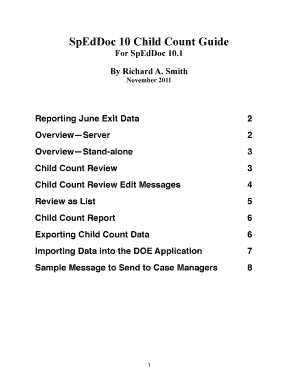
Get Speddoc
How it works
-

Open form follow the instructions
-

Easily sign the form with your finger
-

Send filled & signed form or save
How to fill out the Speddoc online
This guide provides clear and concise instructions on how to effectively complete the Speddoc online. Designed for users with varying levels of experience, it offers step-by-step guidance to ensure accurate and efficient submission of child count data.
Follow the steps to fill out the Speddoc online
- Press the ‘Get Form’ button to acquire the document and open it in the editor.
- Review the initial sections of the form, beginning with personal and student information. Ensure that each field is filled out completely and accurately, including the student's name, birthdate, and identification number.
- Move to the Child Count Review section. Here, you will verify the Child Count Status for students. Ensure that the correct status (Active or Exit) is selected for each student based on their current situation.
- Check for any edit messages that are displayed for each record. Pay special attention to red edit messages, as these indicate issues that need to be corrected, while blue messages can be addressed as necessary.
- Utilize the options to filter your records by using the ‘CC Find’ button and selecting the appropriate month for reporting. Make corrections as needed.
- After completing all necessary edits, go to the Child Count Export button to initiate the export process. Confirm that all records are compliant before proceeding.
- Follow the on-screen instructions to name your export file and select a suitable save location on your device.
- Once the export is complete, open the applicable DOE application to import the data and finalize your submission.
- Finally, ensure you save your Speddoc records and any export files for future reference.
Start filling out your Speddoc online today!
Industry-leading security and compliance
US Legal Forms protects your data by complying with industry-specific security standards.
-
In businnes since 199725+ years providing professional legal documents.
-
Accredited businessGuarantees that a business meets BBB accreditation standards in the US and Canada.
-
Secured by BraintreeValidated Level 1 PCI DSS compliant payment gateway that accepts most major credit and debit card brands from across the globe.