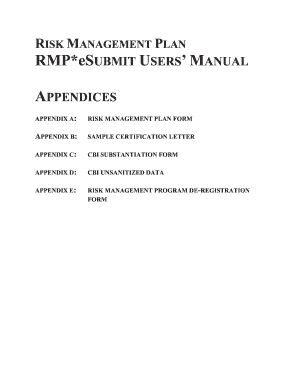
Get Rmp Esubmit
How it works
-

Open form follow the instructions
-

Easily sign the form with your finger
-

Send filled & signed form or save
How to fill out the Rmp Esubmit online
This guide provides clear and supportive instructions for completing the Rmp Esubmit online form. Whether you are familiar with digital document management or new to the process, you will find step-by-step guidance tailored to assist you in accurately submitting your Risk Management Plan.
Follow the steps to complete the Rmp Esubmit form online.
- Press the ‘Get Form’ button to acquire the Rmp Esubmit form and open it for editing.
- Begin filling out the Facility Identification Information section. Include your Facility Name, EPA Facility ID (if assigned), Facility Location Address, and City, State, and Zip Code accurately.
- Move to the CBI Substantiation Form if you are claiming Confidential Business Information. Ensure to substantiate your claim as required in the guidelines.
- Complete all required fields, providing specific details as requested. This includes traditional inputs like names, addresses, and regulatory information pertinent to your facility.
- Review your entries for accuracy and completeness. Make any necessary adjustments to ensure all information is correct.
- Finally, save your changes to the document. You can download it for your records, print a hard copy if needed, or share it directly as required.
Complete your forms online today and ensure your Risk Management Plan is submitted accurately and efficiently.
Related links form
To obtain an RMP certificate, you must complete and submit a valid Risk Management Plan to the EPA, demonstrating compliance with federal requirements. Once your plan is approved, you will receive confirmation of your RMP status. Using platforms like US Legal Forms can simplify the RMP preparation process, helping you obtain your certificate efficiently.
Industry-leading security and compliance
-
In businnes since 199725+ years providing professional legal documents.
-
Accredited businessGuarantees that a business meets BBB accreditation standards in the US and Canada.
-
Secured by BraintreeValidated Level 1 PCI DSS compliant payment gateway that accepts most major credit and debit card brands from across the globe.