Loading
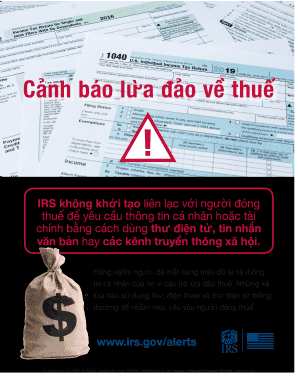
Get Irs Publication 5427 (vie) 2020-2026
This website is not affiliated with IRS
How it works
-

Open form follow the instructions
-

Easily sign the form with your finger
-

Send filled & signed form or save
How to fill out the IRS Publication 5427 (VIE) online
Filling out IRS Publication 5427 (VIE) is an essential step for users looking to stay informed about tax-related scams. This guide will walk you through the process of completing the form online, ensuring you understand each component.
Follow the steps to successfully complete the IRS Publication 5427 (VIE)
- Click ‘Get Form’ button to obtain the form and open it in the editor.
- Review the information on the form carefully. Ensure you understand the purpose of Publication 5427 (VIE), which addresses tax-related scams and fraud alerts.
- In the first section, provide your name and contact information accurately. This information is crucial for any follow-up communication or assistance.
- Next, fill in the details regarding the specific tax-related scam you are reporting or inquiring about. Be as detailed and precise as possible, including any relevant dates and information.
- After completing the necessary fields, review all the information for accuracy. It is important to ensure all details are correct to minimize any delays in processing.
- Once everything is complete and verified, you can save your changes, download, print, or share the form as needed.
Start completing your documents online and stay protected from tax scams.
To speak directly with an IRS representative, you can call their customer service number during their business hours. Be sure to follow the prompts to avoid long wait times. For detailed inquiries related to IRS Publication 5427 (VIE), this direct connection can provide valuable insights. Alternatively, UsLegalForms can help prepare your questions for clarity when you reach out.