Loading
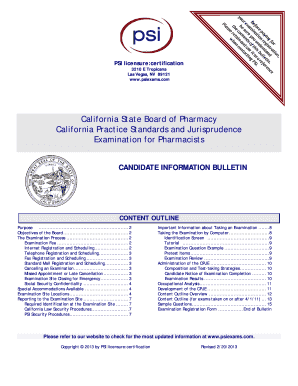
Get Cpje Bulletin
How it works
-

Open form follow the instructions
-

Easily sign the form with your finger
-

Send filled & signed form or save
How to fill out the Cpje Bulletin online
This guide provides clear and comprehensive instructions on completing the Cpje Bulletin form online. Designed for users with varying levels of legal experience, the steps below will help simplify the process.
Follow the steps to successfully complete the Cpje Bulletin online.
- Click ‘Get Form’ button to access the Cpje Bulletin and open it in your editor.
- Fill in the legal name which includes your last name, first name, and middle name if applicable. Make sure this matches your identification documents.
- Provide your Social Security number for identification purposes only. This will not be shared publicly.
- Enter your mailing address, ensuring all details such as the street number, city, state, and zip code are accurate.
- Fill in your telephone numbers, including a home and office number if applicable.
- Indicate your email address clearly, ensuring it is correct for communication purposes.
- Select the examination you are registering for, specifically the California Practice Standards and Jurisprudence Examination for Pharmacists with the associated fee.
- Calculate and write down the total fee amount, ensuring it is paid by a money order or cashier's check as personal checks are not accepted.
- Complete the affidavit section by signing and dating the registration form, certifying that all information provided is true.
- Submit the completed registration form along with the payment to the designated address or fax it as instructed.
Complete your registration form online today to ensure your eligibility for the examination.
To pass the Cpje, you generally need to achieve a score of 75 or above. This benchmark reflects the level of knowledge required to meet licensing standards. For more specific information, consult the latest guidelines available on the Cpje Bulletin.
Industry-leading security and compliance
US Legal Forms protects your data by complying with industry-specific security standards.
-
In businnes since 199725+ years providing professional legal documents.
-
Accredited businessGuarantees that a business meets BBB accreditation standards in the US and Canada.
-
Secured by BraintreeValidated Level 1 PCI DSS compliant payment gateway that accepts most major credit and debit card brands from across the globe.