Loading
Get Irs Announcement 98 27
How it works
-

Open form follow the instructions
-

Easily sign the form with your finger
-

Send filled & signed form or save
How to fill out the Irs Announcement 98 27 online
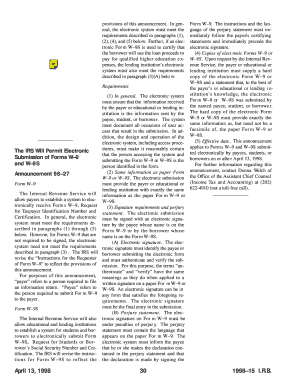
The Irs Announcement 98 27 provides guidance for electronically submitting Forms W–9 and W–9S. This guide will assist users in navigating the online form filling process, ensuring compliance and accuracy.
Follow the steps to complete the Irs Announcement 98 27 online.
- Click ‘Get Form’ button to access the Irs Announcement 98 27 and open it for completion.
- Review the introduction and ensure you understand the purpose of the form. Familiarize yourself with the information required for submission.
- Fill in the fields for your personal information, including your name and identification details as they appear on official documents.
- Provide the necessary information related to the loan or education expenses if you are completing Form W–9S. Ensure accuracy in detailing the purpose of the loan.
- Complete the electronic signature section. Your electronic signature must identify and authenticate you, the payee or borrower, confirming your submission.
- Include the perjury statement that aligns with the requirements outlined in the announcement, ensuring you understand the legal implications of your signature.
- Review all completed sections of the form for any errors or omissions before finalizing.
- Once satisfied with the accuracy of your form, save changes, and confirm your submission options, choosing to download, print, or share as needed.
Complete your documents online today for efficient processing!
An IRS 98 number typically refers to a specific tax identification number related to IRS Announcement 98 27, which provides guidance on IRS regulations. This number may be used for various tax filing and reporting purposes. It’s important to refer directly to IRS resources for the most accurate information on how this number applies to your specific tax situation.