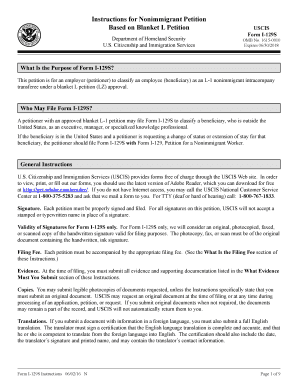
Get Dhs I-129s Instructions 2016
How it works
-

Open form follow the instructions
-

Easily sign the form with your finger
-

Send filled & signed form or save
How to fill out the DHS I-129S Instructions online
Filling out the DHS I-129S form is an essential step for employers seeking to classify an employee as an L-1 nonimmigrant intracompany transferee. This guide provides a clear, step-by-step approach to help you complete the form accurately, ensuring you have all the necessary information before you proceed with your online submission.
Follow the steps to complete your DHS I-129S Instructions online.
- Click ‘Get Form’ button to obtain the form and open it in the editor.
- Type or print legibly in black ink. If extra space is needed, use Part 10: Additional Information or attach a separate sheet, ensuring the beneficiary’s name and Alien Registration Number (if applicable) are at the top of each sheet.
- In Part 1, provide the full legal name of the employer (petitioner) and the corresponding U.S. mailing address. Indicate whether the mailing address is the same as the physical address.
- In Part 3, enter the Alien Registration Number (if available) and provide the beneficiary's full name, date of birth, and contact details.
- Complete Parts 5, 6, and 7 by detailing the beneficiary’s foreign employment and certification regarding controlled technology.
- Make sure to sign and date the petition in Part 7, and ensure all required signatures are included in Parts 8 and 9 if applicable.
Start completing your DHS I-129S Instructions online today for a smooth application process.
Get form
Related links form
Once the I-129S form is approved, you or your employer will receive an approval notice from USCIS, often on an I-797 form. You can then proceed to apply for a visa at a U.S. consulate if required, or you may begin employment if you already possess a valid visa. For more detailed steps after approval, it's wise to refer to the DHS I-129S Instructions for guidance.