
Open form follow the instructions

Easily sign the form with your finger

Send filled & signed form or save
How to fill out the Pekema Application Form Registered Supplier online
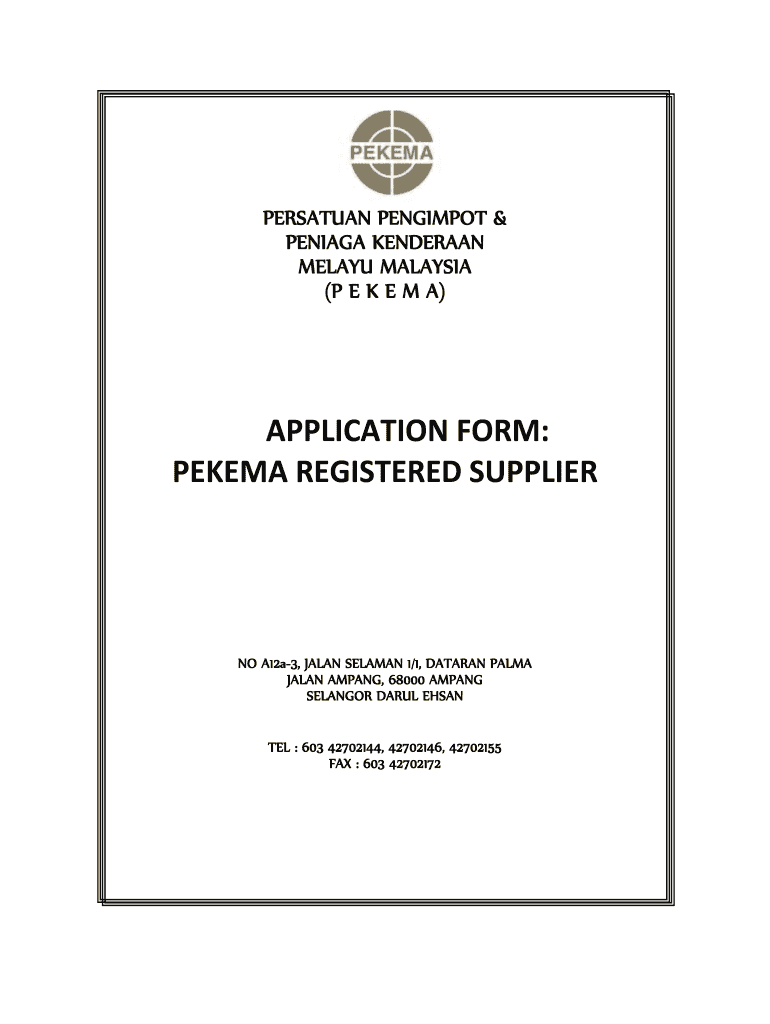
Filling out the Pekema Application Form Registered Supplier is a crucial step for businesses looking to supply vehicles to Pekema members. This guide provides clear instructions on how to complete the form accurately and efficiently, ensuring your application is processed smoothly.
Follow the steps to complete your application form online.
- Click ‘Get Form’ button to obtain the Pekema Application Form Registered Supplier and open it in your preferred PDF editor.
- Enter the name of your company in the designated field under Part 1.
- Provide your registered address, making sure to include all relevant details.
- Fill in your office address if it differs from your registered address.
- Include your telephone number to ensure you can be reached if necessary.
- If applicable, provide your fax number.
- Enter your email address for correspondence.
- Fill in your website address, if you have one.
- State the date of incorporation of your company.
- Provide your business registration number.
- Indicate your authorised capital.
- Fill in the paid-up capital.
- List your shareholders, including their names, passport numbers, and the percentage of shares held.
- Detail the names and passport numbers of your board of directors.
- Under Part II, provide the name and address of your banking institution and current account number.
- In Part III, include the name, position, company name, and membership number of the individual proposing the application, along with their chop and signature.
- Ensure you attach the required documents, including the company profile, company registration copy, and recommendation letter from the AP holder.
- Read the declaration and ensure all entered information is accurate before signing, providing your name, position, company seal, and date.
- Once completed, save changes, download, print, or share the completed application form as needed.
Complete your Pekema Application Form Registered Supplier online today to become a registered supplier!
Experience a faster way to fill out and sign forms on the web. Access the most extensive library of templates available.
Related content
Feb 13, 2018 — Members of the public should be aware of this when addressing the Council...
Pekema, a joint enterprise set up with other Finnish industrial ... Neste merged its...
Get answers to your most pressing questions about US Legal Forms API.
How to fill out a vendor request form?
Filling out a vendor request form is straightforward. Begin by entering your company's information, including address and contact details, to establish your identity as a Pekema Application Form Registered Supplier. Next, address any specific requirements highlighted in the form, such as product specifications or service offerings. Finally, double-check your information for completeness and clarity before submitting it to ensure your request is processed efficiently.
How to fill out the application form?
To fill out the Pekema Application Form Registered Supplier, start by gathering all necessary information about your business, including your tax ID, contact details, and relevant experience. Follow the provided instructions carefully, while ensuring that all fields are completed accurately. After reviewing your entries for any errors, submit the form through the designated platform or email it to the appropriate contact. This process will help streamline your application and enhance your chances of becoming a registered supplier.
Use professional pre-built templates to fill in and sign documents online faster. Get access to thousands of forms.
If you believe that this page should be taken down, please follow our DMCA take down process here.