Loading
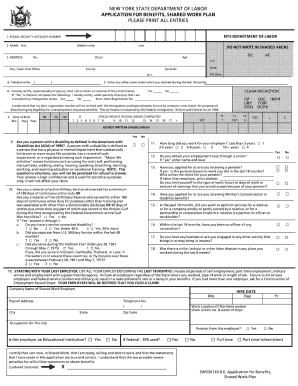
Get Nys Swap Sheet Form
How it works
-

Open form follow the instructions
-

Easily sign the form with your finger
-

Send filled & signed form or save
How to fill out the Nys Swap Sheet Form online
Filling out the Nys Swap Sheet Form online can seem daunting, but with a clear guide, you can navigate it with ease. This guide provides comprehensive instructions to ensure you complete the form accurately and efficiently.
Follow the steps to successfully complete the Nys Swap Sheet Form.
- Click the ‘Get Form’ button to access the form and open it for editing.
- Begin by entering your personal information in the designated fields, such as your name, address, and contact information. Make sure all details are accurate.
- Next, focus on the vehicle details section. Provide information about the vehicle you are swapping, including make, model, year, and identification number.
- In the section for the receiving vehicle, supply similar details regarding the vehicle you are acquiring. Be thorough and double-check for any missing information.
- Review any additional sections that may ask for insurance details or agreements. Fill these out as necessary, ensuring clarity in your responses.
- Once all sections are completed, take a moment to review the entire form for accuracy and completeness.
- Finally, save your changes, and you can choose to download, print, or share the completed form as needed.
Complete your Nys Swap Sheet Form online today!
Non-residents must use the NYS IT-203 form, which is specifically designed for individuals who earn income in New York but do not live there. This form allows non-residents to report their income accurately, including details pertinent to tax obligations. For additional assistance, you can refer to USLegalForms to access the Nys Swap Sheet Form and other related documents.