Loading
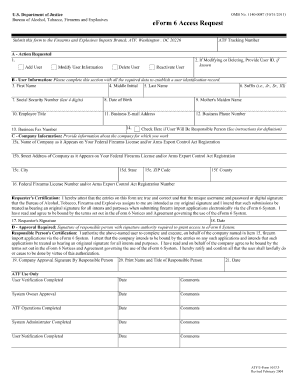
Get Form 6 Atf New 2011 2018-2026
How it works
-

Open form follow the instructions
-

Easily sign the form with your finger
-

Send filled & signed form or save
How to fill out the Form 6 Atf New 2011 online
Completing the Form 6 Atf New 2011 online can streamline your submission process and ensure accuracy in your documentation. This guide provides clear, step-by-step instructions to help users efficiently navigate the form while providing necessary information accurately.
Follow the steps to successfully complete your Form 6 Atf New 2011 online.
- Click the ‘Get Form’ button to obtain the form and open it in the editor.
- Review the form layout to understand its sections and required fields before beginning to enter your information.
- Complete the identification section by providing your name, address, and contact information accurately. Ensure that all details are current and match official documents.
- In the next section, fill out any relevant details pertaining to your situation. This may include specific circumstances or information that will assist in the processing of your submission.
- Ensure that you accurately fill out any numerical or date fields, as these are critical for processing. Double-check entries to avoid errors that could delay your application.
- After completing all sections of the form, review your inputs for any mistakes or omissions. It's advisable to verify the information against your records.
- Once fully satisfied with the form, you have the option to save your changes, download the completed document, or print it for your records. You may also share the form as needed.
Complete your Form 6 Atf New 2011 online today to facilitate a smooth filing process!
On April 11, 2022, the Attorney General signed ATF final rule, Definition of “Frame or Receiver” and Identification of Firearms, amending ATF's regulations by removing and replacing the regulatory definitions of “firearm frame or receiver” and “frame or receiver” using examples and diagrams to clearly convey what is a ...