Loading
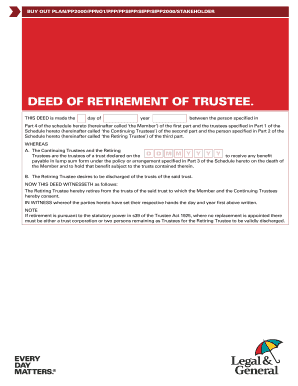
Get Supplementary Trust Deed Format
How it works
-

Open form follow the instructions
-

Easily sign the form with your finger
-

Send filled & signed form or save
How to fill out the Supplementary Trust Deed Format online
Filling out the Supplementary Trust Deed Format online can be a straightforward process when you have clear guidance. This guide provides step-by-step instructions to assist you in completing the form accurately and efficiently.
Follow the steps to complete the Supplementary Trust Deed Format online.
- Click ‘Get Form’ button to access the Supplementary Trust Deed Format. This action will open the form in your preferred online editor.
- Begin by filling out Part 1, which details the Continuing Trustees. For each trustee, provide their full name, date of birth, address, postcode, phone number, and optionally their email address.
- Next, move to Part 2 to enter the details of the Retiring Trustee. Include their full name, date of birth, address, postcode, phone number, and optional email address.
- In Part 3, specify the Policy or Arrangement by entering the appropriate policy number or arrangement number. Select the corresponding type of plan by checking the appropriate box.
- Proceed to Part 4 and fill in the full name of the Member. This section identifies the individual whose trust is being managed.
- In Part 5, all parties, including the Member, Continuing Trustees, and Retiring Trustee, must sign the document. Ensure that signatures are accompanied by the signatures and addresses of witnesses to validate the deed.
- Once all sections are complete and signatures are obtained, you can save changes, download the document, print it for your records, or share it as required.
Begin filling out your Supplementary Trust Deed Format online to ensure your documentation is complete and compliant.
The deed of appointment of a new trustee is a legal document that officially grants authority to a new trustee to manage a trust. This document typically outlines the powers, duties, and responsibilities of the new trustee. Understanding the Supplementary Trust Deed Format will enable you to draft this document correctly, ensuring all necessary aspects are covered.