Loading
Get Saltzer Patient Portal
How it works
-

Open form follow the instructions
-

Easily sign the form with your finger
-

Send filled & signed form or save
How to fill out the Saltzer Patient Portal online
Welcome to the Saltzer Patient Portal. This guide provides you with clear and concise instructions on how to successfully fill out the necessary forms online, ensuring you have access to your medical records in a secure and efficient manner.
Follow the steps to complete your Patient Portal registration.
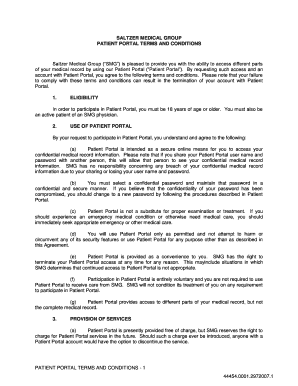
- Click ‘Get Form’ button to obtain the enrollment form and open it for online completion.
- In the eligibility section, confirm that you are at least 18 years of age and an active patient of an SMG physician.
- In the User Agreement portion, read the terms carefully. Acknowledge that you understand your security responsibilities, including maintaining the confidentiality of your username and password.
- Create a secure password that is both confidential and memorable. Ensure it meets any specified security criteria.
- Indicate your agreement to the terms by providing your name, signing in the designated area, and inputting the date.
- Review all completed information for accuracy before proceeding. Confirm to maintain compliance with the terms outlined.
- After verifying your details, you can choose to save changes, download, print, or share the completed form as required.
Start your online registration now to access your Saltzer Patient Portal.
The best patient portal caters to user needs with intuitive design, robust features, and secure access to personal health information. Many patients prefer the Saltzer Patient Portal for its user-friendly interface and comprehensive functionality. Consider your needs, as the best portal is one that simplifies the management of your health while ensuring privacy and security.