Loading
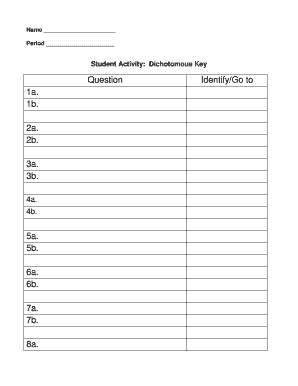
Get Student Activity Dichotomous Key - Utahlake 2020-2026
How it works
-

Open form follow the instructions
-

Easily sign the form with your finger
-

Send filled & signed form or save
How to fill out the Student Activity Dichotomous Key - Utahlake online
This guide provides clear and supportive instructions on how to complete the Student Activity Dichotomous Key - Utahlake online. Whether you are familiar with digital forms or new to them, the following steps will help you navigate each section effectively.
Follow the steps to fill out the form accurately
- Press the ‘Get Form’ button to download the form and open it in your document editor.
- Begin by entering your name in the designated 'Name' field. This identifies who is completing the activity.
- Fill in the 'Period' field with the appropriate class period to indicate when the activity is being completed.
- For the 'Student Activity: Dichotomous Key' section, follow the questions (1a, 1b, 2a, etc.) and observe the characteristics of the species you are classifying.
- Use the classification pathways provided for both fish and birds to identify species based on observed traits.
- Make sure to accurately record your observations and pathways used to classify each species in the designated areas.
- Once you have completed the key, review all the filled sections for accuracy.
- Finally, save your changes, and choose to download, print, or share your completed form as needed.
Start filling out your document online today!
Keys are made following these basic rules: • Observing the physical characteristics of objects to be identified by using the key. Identify the most general trait that can be used to divide the organisms into categories. identified. Follow the teacher instructions to complete the key.