Loading
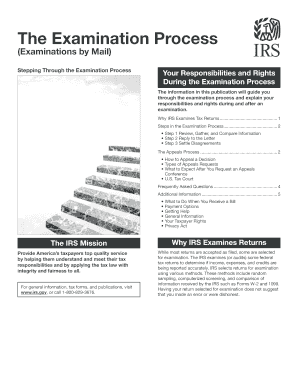
Get Form 3498
How it works
-

Open form follow the instructions
-

Easily sign the form with your finger
-

Send filled & signed form or save
How to use or fill out the Form 3498 online
Filling out Form 3498 online can streamline your examination process and ensure your information is submitted accurately. This guide provides clear, step-by-step instructions to help you complete the form effectively, ensuring you understand each component along the way.
Follow the steps to successfully complete Form 3498 online.
- Press the ‘Get Form’ button to obtain the form and open it in your editor.
- Review the information on the form carefully. Ensure you have all necessary documents and details needed to complete each section.
- Fill in your personal information accurately. This includes your name, address, and any other required identification numbers.
- Complete the sections regarding the examination details as prompted, ensuring that you respond to any questions or fields with accurate information.
- Review your responses for any errors or omissions. It's vital to provide correct and complete data.
- After completing the form, save your changes and select the option to download or print the form for your records.
- If there are additional submission instructions or options to share the document online, follow them to ensure your form is submitted correctly.
Start filling out your Form 3498 online today to ensure a smooth examination process.
To initiate an audit reconsideration, first gather all new evidence that supports your case. Then, submit a written request to the IRS along with your new documentation and a completed Form 3498, if applicable. Following these steps can clarify any discrepancies and potentially lead to a favorable outcome regarding your tax matters.