Loading
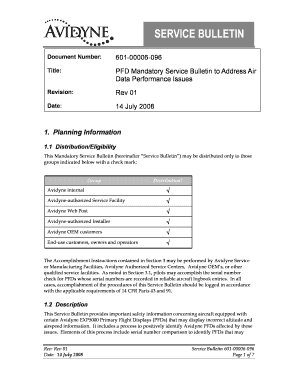
Get Avidyne Servicebulletin No 601 00006 096
How it works
-

Open form follow the instructions
-

Easily sign the form with your finger
-

Send filled & signed form or save
How to fill out the Avidyne Servicebulletin No 601 00006 096 online
Filling out the Avidyne Servicebulletin No 601 00006 096 online is an essential step to ensure compliance with mandatory service requirements. This guide provides detailed, user-friendly instructions to help you complete the form accurately and efficiently.
Follow the steps to fill out the form online effectively.
- Press the ‘Get Form’ button to access the document and open it in your preferred editor.
- Review the distribution eligibility section to identify if you belong to one of the specified groups that can access the service bulletin.
- In the planning information section, check the distribution list for your group and confirm your eligibility.
- Read through the description of the service bulletin to understand the safety information related to Avidyne EXP5000 Primary Flight Displays.
- Locate the compliance section and ensure you understand the mandatory nature of the actions required for your equipment.
- Proceed to the accomplishment instructions section to identify the serial number of your Avidyne PFD and verify it against the provided list.
- If your PFD is not listed, note that no further action is needed. If it is listed, follow the outlined procedures in the accomplishment instructions.
- If any issues are identified during the performance verification test, document your findings and schedule servicing with an authorized facility.
- Save your completed form, ensuring all changes have been documented. You may print or share the form as needed.
Complete your Avidyne Servicebulletin No 601 00006 096 online to ensure compliance and maintenance of your aircraft.