Loading
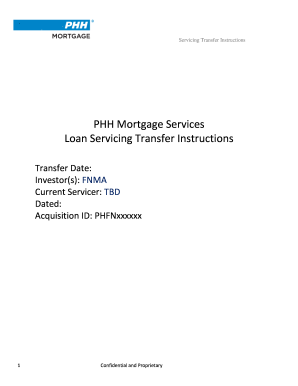
Get Phh Mortgage Loan Servicing Transfer Instructions 2020-2026
How it works
-

Open form follow the instructions
-

Easily sign the form with your finger
-

Send filled & signed form or save
How to fill out the PHH Mortgage Loan Servicing Transfer Instructions online
Filling out the PHH Mortgage Loan Servicing Transfer Instructions form online can streamline the process of mortgage loan servicing transfers. This guide provides step-by-step instructions to help users accurately complete the form with confidence.
Follow the steps to accurately complete the instructions.
- Click ‘Get Form’ button to obtain the form and open it in the editor.
- Enter the transfer date in the designated field. This is crucial as it represents the first payment due to FNMA/PHH.
- Fill in the investors’ details, ensuring you specify 'FNMA' as one of the investors.
- Provide the name of the current servicer, denoted as 'TBD' if unknown. This should be updated with the correct servicer as soon as available.
- Complete the Acquisitions ID by entering 'PHFNxxxxxx', which is essential for tracking the transfer.
- Input the Servicing Business Address. Use the following details: PHH Mortgage Services, 1 Mortgage Way, Mount Laurel, NJ 08054.
- Include any necessary email addresses and contacts from the Acquisition Team for correspondence, notably 'TransferRequests@ocwen.com'.
- Fill in the required fields for data transfer and security, indicating the preferred method of secure delivery based on provided options.
- Once all fields are completed, review the information for accuracy and completeness.
- Save changes, and choose to download, print, or share the completed form as necessary.
Complete your documents online today to ensure efficient mortgage loan servicing transfers.
You have a 60-day grace period after a transfer to a new servicer. That means you can't be charged a late fee if you send your on-time mortgage payment to the old servicer by mistake — and your new servicer can't report that payment as late to a credit bureau.