Loading

Open form follow the instructions

Easily sign the form with your finger

Send filled & signed form or save
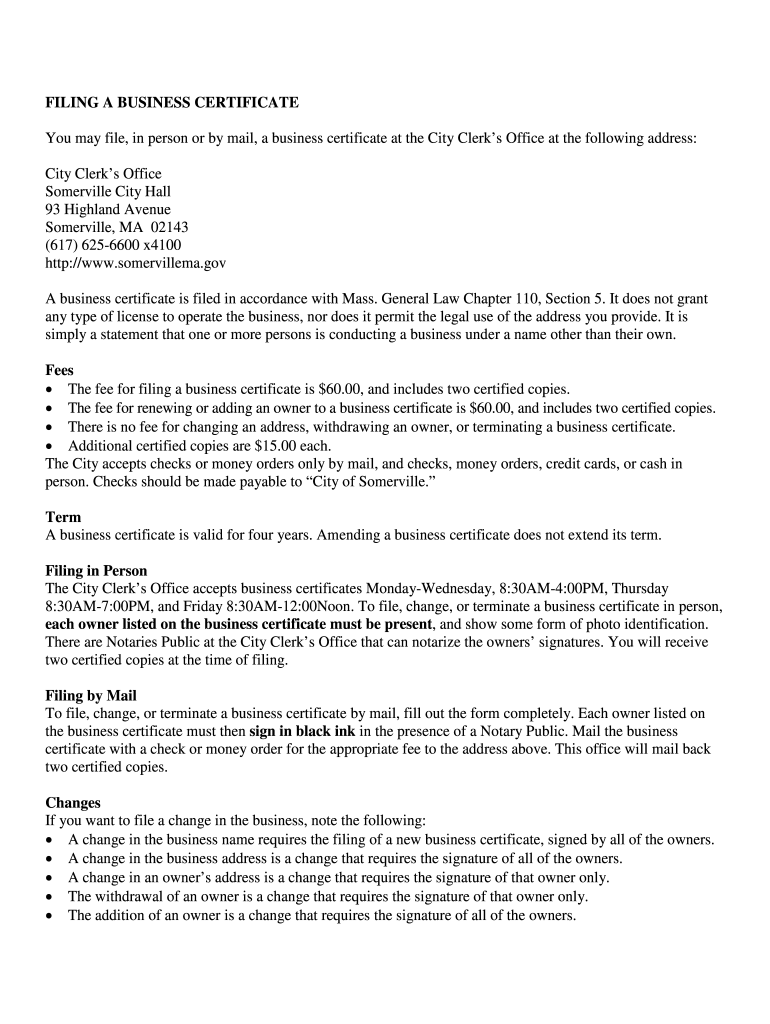
How to fill out the MA Business Certificate online
Filling out the Massachusetts Business Certificate online can seem daunting, but this guide will provide you with clear, step-by-step instructions to help you complete the process smoothly. Understanding each component of the form is key to ensuring your submission is accurate and efficient.
Follow the steps to successfully complete your MA Business Certificate online.
- Click ‘Get Form’ button to obtain the MA Business Certificate and open it in your editor.
- Begin by entering the date of filing in the designated field at the top of the form. This should reflect the current date when you are completing the form.
- Fill in the name of your business in the 'Name of Business' field. This name must match the name under which you are conducting your business.
- Enter the street address of the business location in the 'Street Address' field, followed by the corresponding zip code.
- Indicate the type of business conducted at this address in the 'Type of Business' field.
- Provide a valid phone number in the 'Phone Number' field, ensuring that you include the area code.
- Choose the purpose for filing the business certificate by checking the appropriate box. Options include 'New business', 'Renewing an expiring certificate', 'Adding an owner', 'Changing the business address', 'Changing an owner’s address', 'Withdrawing an owner', or 'Terminating a business'. Note that some options require all owners to sign.
- List the names of all owners in the respective fields. Each owner must print their name, provide their signature, and fill out their residence address.
- Once all information is accurately completed, review the form for any errors or omissions. Ensure all necessary signatures are in place.
- After making sure everything is correct, save your changes. You can also download, print, or share the completed business certificate for your records or for submission.
Start filling out your MA Business Certificate online today to ensure that your business is properly registered.
Experience a faster way to fill out and sign forms on the web. Access the most extensive library of templates available.
Related content
Nov 12, 2020 — Businesses in Boston need to get a business certificate through the City...
Jan 14, 2021 — Liberty University's certificate in business contains courses that are...
A trade name, trading name, or business name is a pseudonym used by companies that do not...
Get answers to your most pressing questions about US Legal Forms API.
What is Ma certificate service?
MA Certificate Service Response We are a private company who, for a reasonable fee, will obtain an official Certificate of Existence from the Massachusetts Secretary of State and deliver that certificate to the company that retained us to provide them that service.
How much is a business license in MA?
Massachusetts Secretary of State's Office, or any other state jurisdiction. The filing fee is $65. If you are not a Massachusetts resident but you want to conduct business in the state, you need to pay an additional $35.
How do I get a business certificate in Massachusetts?
health permit. fire permit. Hawkers and Peddlers License. commissary kitchen agreement or letter, and. Certificate of Liability Insurance.
How do I get a Massachusetts business license?
Steps to Starting a Business in Massachusetts. Step 1: Choose a Business Idea. Step 2: Write a Business Plan. Step 3: Select a Business Entity. Step 4: Register a Business Name. Step 5: Get an EIN. Step 6: Open a Business Bank Account. Step 7: Apply for Business Licenses & Permits.
How long does it take to get a business certificate?
Your permanent Certificate should arrive in the mail within four weeks. You will need to use your BTRC number to pay your business taxes with the City of Los Angeles each year.
Is a business certificate the same as a DBA?
Business Licenses and DBAs (doing business as) are two separate things altogether. Business licenses are issued from the city you are in providing services to clients. ... By getting a DBA, you may open bank accounts in the business name rather than your own which appears more professional.
What are business certificates?
Certificate of Authority Overview A Certificate of Authority is a document that provides states other than the one in which your business is registered all of a business's important information, including official name, owners' names, and legal status (limited liability company, corporation, limited partnership, etc.).
Is a business license the same as a DBA?
How is a business license different from a DBA (Fictitious name)? A business license is required of all businesses, while a DBA (fictitious name)registration is required only if the business is operating under a name different from the name of the owner.
What is the meaning of DBA in business license?
When a business operates using a name that is different from the owner's name or from the legal name of the partnership, LLC, or corporation, it is said to be doing business as, or DBA, another name.
What is a business certification?
The Small Business Administration certification is part of a contracting program that helps small companies compete for federal contracts. The government sets aside some of its contracts (both competitive set-aside and sole-source set-aside contracts) for small businesses each year to limit competition.
Use professional pre-built templates to fill in and sign documents online faster. Get access to thousands of forms.
If you believe that this page should be taken down, please follow our DMCA take down process here.