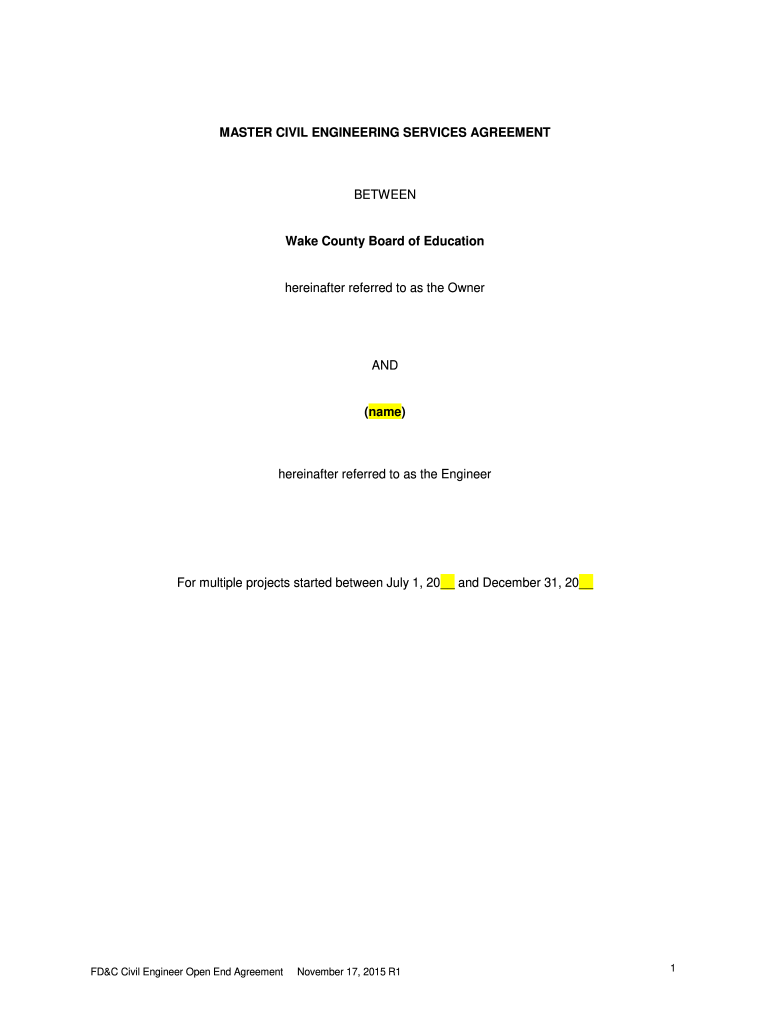
Started between July 1, 20__ and December 31, 20__ FD&C Civil Engineer Open End Agreement November 17, 2015 R1 1 MASTER CIVIL ENGINEERING SERVICES AGREEMENT AGREEMENT made this ____ day of _____ in the year of Two Thousand _____ between the Owner: Wake County Board of Education and the Engineer: (company name and address) For Professional Services to be provided as authorized by the Owner pursuant to this Agreement and the terms and conditions of the Individual Project proposals. ARTI.
Loading

Open form follow the instructions

Easily sign the form with your finger

Send filled & signed form or save
How to fill out the Master Civil Engineering Services Agreement online
The Master Civil Engineering Services Agreement is a crucial document designed to outline the terms and conditions between the Owner and the Engineer for various civil engineering projects. This guide will provide you with straightforward, step-by-step instructions on how to complete this agreement effectively online.
Follow the steps to complete the Master Civil Engineering Services Agreement.
- Click ‘Get Form’ button to access the Master Civil Engineering Services Agreement and open it in your preferred online editor.
- Begin by filling in the date on the Agreement line, specifying the day and year of the current date.
- Next, input the name and address of the Engineer, ensuring that all details are accurate and up to date.
- Review Article 1 which outlines the terms and conditions. Here, make note of any specific services you are authorized to perform as stated in the Individual Project Proposal Agreements (IPPAs).
- In the 'Compensation' section, specify the billing rate and any agreed lump sum amounts, based on Exhibit A. Ensure that this aligns with the services being rendered.
- Fill in the Owner's billing address accurately as this is crucial for processing invoices and payments.
- Complete the insurance requirements by detailing the necessary insurance coverage types and ensuring proof of insurance is attached as specified.
- Review and fill any applicable sections in Article 4 regarding Additional Services, ensuring that they are pre-approved by the Owner before completion.
- Conclude by signing the document under the Owner and Engineer signature sections. Ensure that the authorized signatory is properly indicated and that the agreement is duly sealed.
- Once all fields are completed, save changes, and download a copy of the Agreement for your records. You may also opt to print or share the completed form as necessary.
Get started on completing your Master Civil Engineering Services Agreement online today!
Experience a faster way to fill out and sign forms on the web. Access the most extensive library of templates available.
Related content
The Engineer shall not be required by the City to provide certifications that soils...
The total compensation for Basic Services shall be an amount equal to the sum of 71% of. %...
The cost of construction will be reimbursable on the basis of actual expenditure or cost...
Get answers to your most pressing questions about US Legal Forms API.
What is the difference between a Master Service Agreement and a SOW?
A Master Service Agreement, such as the Master Civil Engineering Services Agreement, sets the overarching framework between the parties, including general terms of service, while a Statement of Work (SOW) outlines specific details regarding a project. Understanding both documents allows for better management of contracts and encourages smoother cooperation between parties.
What is the difference between MSP and SOW?
The terms Master Service Provider (MSP) and Statement of Work (SOW) relate to different aspects of business agreements. An MSP generally focuses on the provider of services for a broader range of tasks, while the SOW is specific to particular projects under the Master Civil Engineering Services Agreement. Recognizing this distinction enhances the clarity of contractual relationships.
How do I draft MSA?
To draft a Master Civil Engineering Services Agreement, start by outlining the key terms and conditions you wish to include. Identify the parties involved, scope of services, and any relevant legal provisions. It is often recommended to use templates, like those available on the U.S. Legal Forms platform, to ensure that crucial elements are not overlooked.
Is an MSA the same as a SOW?
An MSA and a Statement of Work (SOW) serve different purposes. The Master Civil Engineering Services Agreement outlines the overarching relationship, while the SOW focuses on specific projects and deliverables. Understanding this difference is essential for effective project management and successful contract execution.
Who prepares Master Service Agreement?
Typically, the legal teams of the parties involved prepare the Master Civil Engineering Services Agreement. However, external consultants or legal experts may also be engaged to ensure that all terms are clear and enforceable. It is crucial to have experienced professionals involved for the best outcomes.
What is another name for a master service agreement?
Another common name for a Master Service Agreement is a Master Civil Engineering Services Agreement. This term reflects the specific focus on civil engineering projects, emphasizing the importance of detailed contracts in this sector. Using clear terminology helps in avoiding confusion and establishing precise relationships between contracting parties.
What is the difference between SOW and agreement?
A Statement of Work (SOW) details the specific tasks, deliverables, and timelines related to a project, while an agreement generally refers to the overall terms between the parties involved. The SOW is often part of the larger framework established by the Master Civil Engineering Services Agreement. Understanding this difference aids in project clarity and execution.
What is the difference between MSA and service agreement?
The Master Civil Engineering Services Agreement (MSA) serves as a broad framework governing the overall relationship between parties, while a service agreement typically outlines specific terms and conditions for a particular project. Think of the MSA as the umbrella document that sets the groundwork for future service agreements. This distinction helps in managing long-term partnerships effectively.
What is a MSA checklist?
A Master Service Agreement checklist includes essential items you must address when drafting or reviewing an MSA. Look for elements such as service description, performance metrics, payment terms, and termination clauses. This checklist is instrumental in ensuring you create a robust and effective Master Civil Engineering Services Agreement that protects both parties.
How to fill a service agreement form?
To fill a service agreement form, take your time to provide accurate and detailed information about the services to be rendered. Include the identities of the parties, clearly state obligations, and add any limits or exclusions. Using a Master Civil Engineering Services Agreement can streamline this process by providing a standardized template.
Use professional pre-built templates to fill in and sign documents online faster. Get access to thousands of forms.
If you believe that this page should be taken down, please follow our DMCA take down process here.