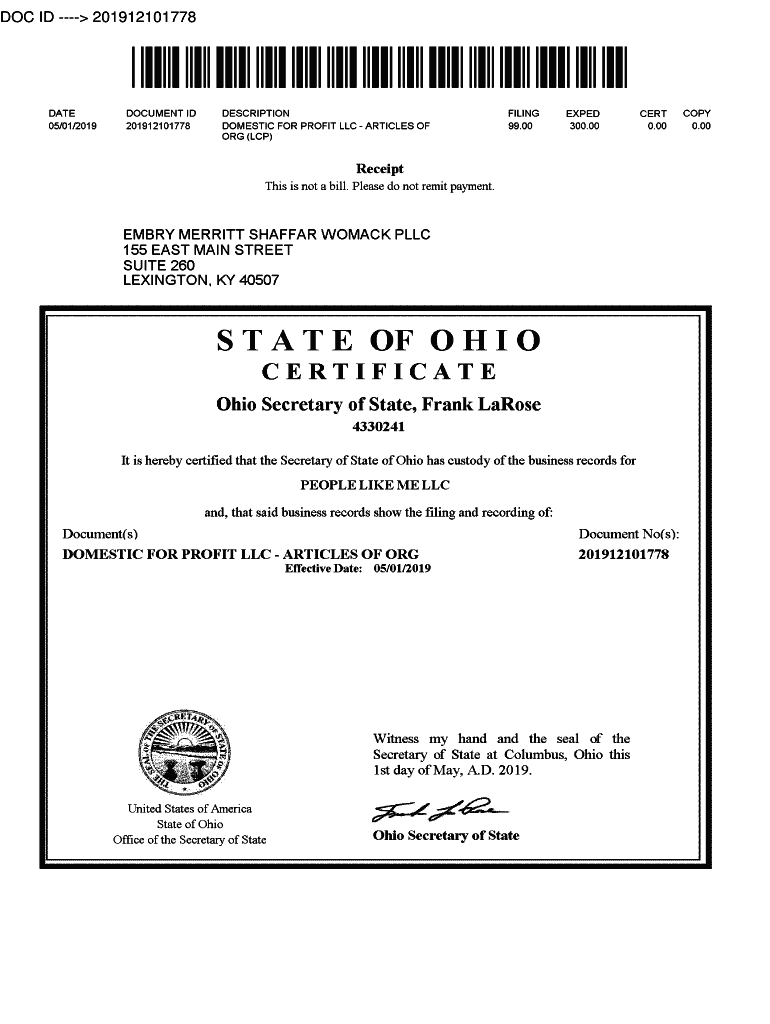
DOC ID 201912101778DOC ID 201912101778Form 533A Prescribed by:Date Electronically Filed: 5/1/2019 Toll Free: (877) SOSFILE (8777673453) Central Ohio: (614) 4663910 www.OhioSecretaryofState.gov Busserv.

Open form follow the instructions

Easily sign the form with your finger

Send filled & signed form or save
How to fill out the Ohiobusinesscentral Gov online
This guide will assist you in navigating the process of completing the Ohiobusinesscentral Gov online form. Whether you are a first-time user or looking for a refresher, these clear instructions will help ensure that your submission is successful.
Follow the steps to complete your form accurately.
- Click ‘Get Form’ button to obtain the form and open it in the editor.
- Select the appropriate type of limited liability company by checking one box: either for-profit or nonprofit.
- Enter the name of your limited liability company, ensuring it includes required terms such as 'limited liability company,' 'LLC,' or 'ltd.'
- If applicable, specify an effective date for the limited liability company. This can be set to the current date or up to ninety days in the future.
- Indicate the period of existence for your limited liability company if desired.
- Provide a purpose for the business, clearly stating its intended operations.
- Appoint a statutory agent by providing their name and complete address to ensure compliance with legal requirements.
- Ensure the statutory agent accepts the appointment by including their signature and printed name or business entity name as applicable.
- Finally, the form must be signed by a member, manager, or authorized representative of the limited liability company, along with their printed name.
Complete your documents online today and take the first step towards establishing your business.
Experience a faster way to fill out and sign forms on the web. Access the most extensive library of templates available.
Related content
Dot gov. The .gov means it's official. Many state and federal websites end in .gov, a...
Information about starting, managing, and growing your business in Ohio.Missing:...
The status of the corporation can be checked online on the Secretary of State's Business...
Get answers to your most pressing questions about US Legal Forms API.
Do I need a small business license in Ohio?
Businesses are required to register with the Ohio Secretary of State to legally conduct business in the state — this is commonly called a business license.
What requires a business license in Ohio?
If you're a member of any one of many professions and occupations, you'll need to be licensed by the State of Ohio. Some of the professions requiring state licensing are: physicians, attorneys, dentists, accountants, nurses, architects, engineers, and veterinarians.
Do I need to register my business in Ohio?
Who is required to register with the Ohio Secretary of State? Any business entity, domestic or foreign, planning to transact business within Ohio, using a name other than their own personal name, must register with this office. Business entities must file the appropriate formation documents to register their business.
How do I verify a business in Ohio?
You can use the Ohio Secretary of State's Business Search portal to see if a business is registered to do business in Ohio.
How much does it cost to register an LLC in Ohio?
You can form an Ohio LLC online or by submitting Form 610, Articles of Organization for a Domestic Limited Liability Company. The filing fee is $99. To file online, visit the Ohio Secretary of State's business filing portal. Otherwise, you may download the documents and mail them to P.O. Box 670, Columbus, Ohio 43216.
How much does it cost to register a small business in Ohio?
The cost of registering your business in Ohio is $99 when you register online. If you add documentation or change your registration later, then you'll likely incur other costs of $25 to $50 for each additional filing. The initial filing fee is the same no matter what type of business you're registering.
How to use Ohio business Gateway?
Visit gateway.ohio.gov. ... Acknowledge Gateway Account Creation Statements. ... Complete OH|ID Profile Information Page. ... Create OH|ID Username and Password Page. ... Input Validation Code (if necessary) ... Continue to the Ohio Business Gateway. ... Create a New Gateway Business Account. ... Set Up Your Gateway Account.
How do I register my business in Ohio State?
Starting a Business First, register with the Ohio Secretary of State. ... Obtain a federal Employer Identification Number (EIN). ... Open a Bank Account. ... Register with the Ohio Department of Taxation at Tax.Ohio.gov(opens in a new window). ... Report newly-hired and re-hired employees to the Ohio New Hire Reporting Center.
Use professional pre-built templates to fill in and sign documents online faster. Get access to thousands of forms.
If you believe that this page should be taken down, please follow our DMCA take down process here.