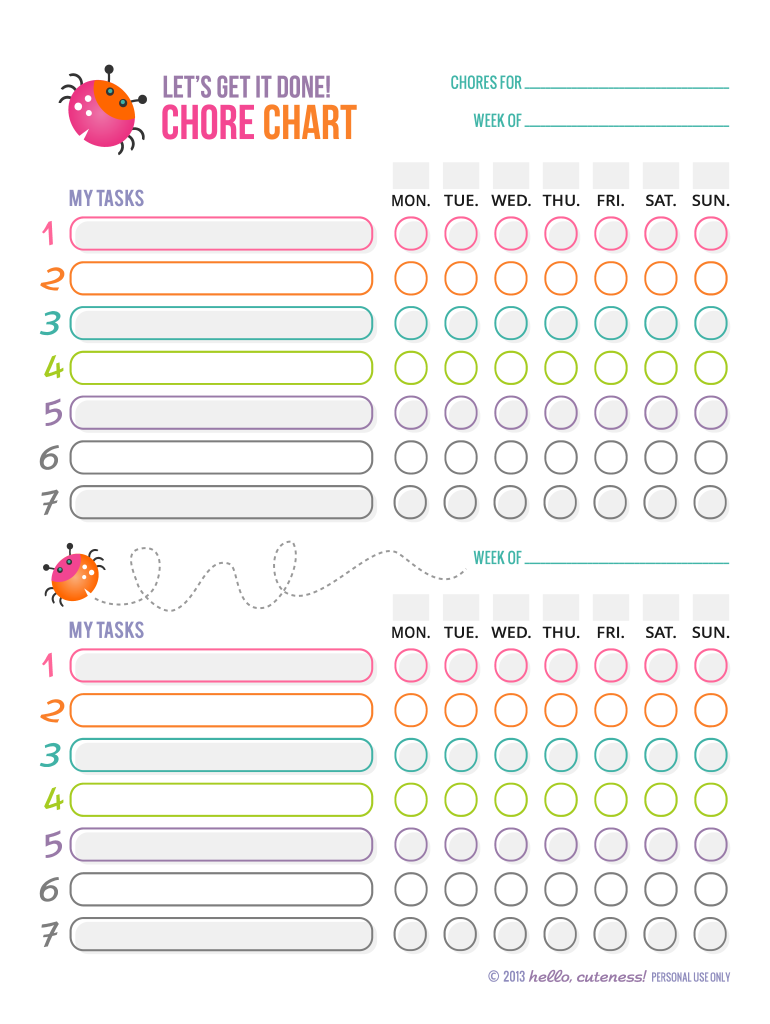
Let s get it done! chore chart MY TASKS CHORES FOR WEEK OF MON. TUE. WED. THU. FRI. SAT. SUN. WEEK OF MY TASKS MON. TUE. WED. THU. FRI. SAT. SUN. let s get it done! chore chart MY TASKS CHORES FOR.
Loading

Open form follow the instructions

Easily sign the form with your finger

Send filled & signed form or save
How to use or fill out the To Download - Hello, Cuteness! online
This guide provides clear instructions on how to effectively complete the To Download - Hello, Cuteness! form online. You will find step-by-step directions to ensure your form is filled out accurately and efficiently.
Follow the steps to complete your form online.
- Click the ‘Get Form’ button to access the form and open it in your preferred method.
- In the first blank section, write your name or the name of the person for whom the chores are being assigned.
- In the 'Week of' section, input the relevant dates for the beginning of the week you are scheduling.
- In the chore grid, fill in the tasks for each day of the week (Monday through Sunday) as applicable. Make sure to distribute tasks evenly across the week to maintain balance.
- If there are additional weeks to organize, repeat the process by filling out the next 'Week of' section and the corresponding chore grid.
- Review all entries for accuracy and completeness to ensure nothing is missed before finalizing your document.
Complete your documents online today!
Experience a faster way to fill out and sign forms on the web. Access the most extensive library of templates available.
Related content
Get and download roblox hack mods cheats and generators today. ... id equillex roblox...
The Japanese obsession with cuteness has been condemned as a subculture peculiar...
Buono! (ボーノ, Bōno) was a subgroup of the Japanese girl groups Berryz Kobo and Cute...
Use professional pre-built templates to fill in and sign documents online faster. Get access to thousands of forms.
If you believe that this page should be taken down, please follow our DMCA take down process here.