18 17 N. Union Blvd. Ste. A, Colorado Springs, CO 80909 Ph: (719) 4651502, Fax: (719) 4652087 rezacpt.com ! " 1 % #$ " " % +4 " % . # & ' " () % % * % + , ./ " (.

Open form follow the instructions

Easily sign the form with your finger

Send filled & signed form or save
How to fill out the Rehab Logs online
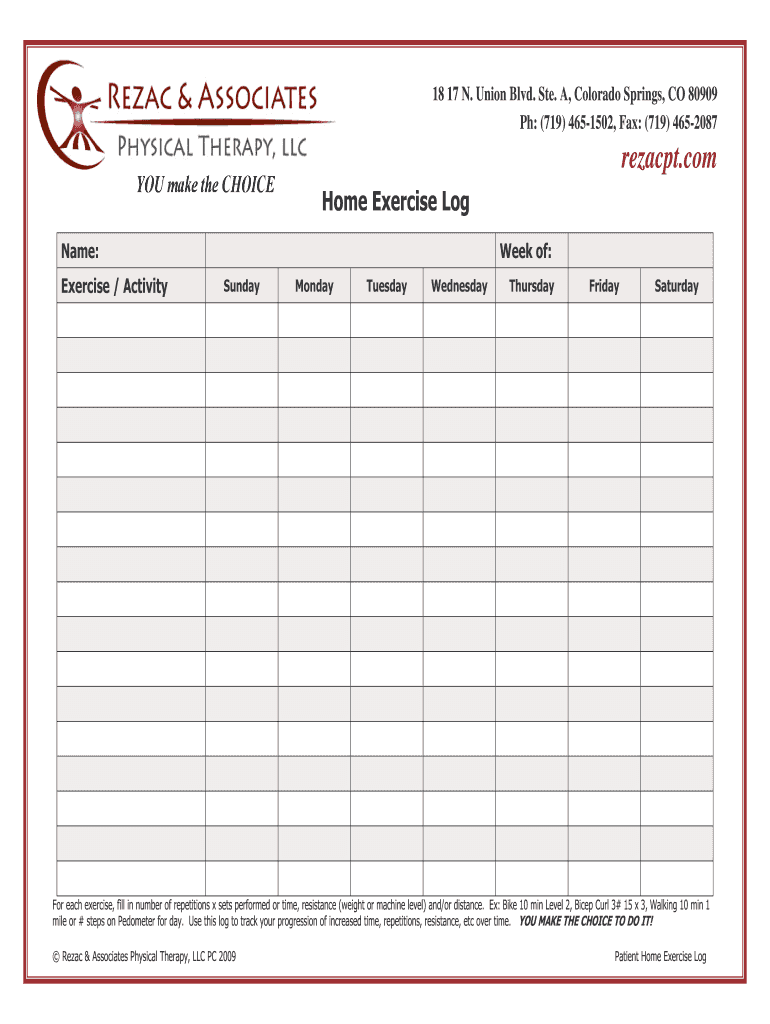
This guide provides a comprehensive overview of how to complete the Rehab Logs online. It outlines each section of the form and offers step-by-step instructions to ensure users can navigate the process with ease.
Follow the steps to successfully complete the Rehab Logs online.
- Press the ‘Get Form’ button to access the document and open it in your preferred editor.
- Carefully read through the introductory section of the form, which may outline the purpose of the Rehab Logs and the required information.
- Begin filling in your personal details in the designated fields, such as name, contact information, and any other identifying information required.
- Proceed to the therapy or rehab details section, where you will provide information regarding the type of rehabilitation services utilized.
- Complete the section for dates of service, ensuring accuracy for each entry.
- If applicable, describe the progress made during each rehabilitation session, providing specific examples.
- Review your entries for completeness and accuracy before proceeding.
- Once everything is filled out, save your changes. You may also have options to download, print, or share the completed form.
Start completing your Rehab Logs online today!
Experience a faster way to fill out and sign forms on the web. Access the most extensive library of templates available.
Related content
*PART A (Please type or print all information) name / date of birth. ______. Last. First...
The Rehabilitation Measures Database (RMD) is the go-to resource for measuring benchmarks...
Rationale for the Duty Hour Limits. Changes in health care delivery, and concerns that...
Get answers to your most pressing questions about US Legal Forms API.
Can you check yourself out if you're in rehab?
Yes, in most cases, you can request to leave a rehab facility; however, this depends on the facility's policies and your treatment status. It is essential to discuss your decision with your healthcare provider, as they can provide guidance and ensure you are making the best choice for your health. If you feel uncertain about your situation, rehab logs can offer insight into your progress and help in making informed decisions. Platforms like US Legal Forms can assist you in navigating this process.
Does rehab show on your record?
Generally, rehab can appear on your medical records, but the extent depends on various factors, including the facility and your treatment specifics. It's important to know that rehab logs can be accessed by certain entities, such as future healthcare providers or insurance companies. However, using specific privacy tools, you can control who views your records. Seek guidance from US Legal Forms to help manage your records effectively.
Is rehab covered by HIPAA?
Yes, rehab services are covered under the Health Insurance Portability and Accountability Act (HIPAA). This means that your personal health information is protected, ensuring confidentiality in your rehabilitation journey. Providers must obtain your consent to share any rehab logs with others unless required by law. Understanding your rights under HIPAA helps you feel more secure during treatment.
How to get patient logs from hospitals?
To obtain patient logs from hospitals, you typically need to submit a formal request to the hospital's health information management department. Make sure to include relevant details such as the patient’s full name, date of birth, and the specific logs you need. Additionally, understanding state laws regarding patient records can help streamline the process. For more efficient management of these logs, consider using Rehab Logs tools available on platforms like US Legal Forms.
What is a redo log file?
A redo log file is a component of your rehabilitation tracking system that logs every significant event in your recovery process. Similar to rehab logs, redo log files ensure that your progress is recorded and can be referenced later. They play a vital role in providing insights into the effectiveness of your rehabilitation efforts.
What does the redo log file contain?
A redo log file contains a detailed history of changes made in rehab logs. This includes updates to session data, achievements, and notes on individual progress. Having a clear record allows you to reflect on your development and make informed decisions as you continue your rehab journey.
How do I create a log file?
Creating a log file is easy when using dedicated software or a service like UsLegalForms. Simply select the option to create a new rehab log, fill in the required details, such as date, activities, and reflections, and save it. This systematic approach helps you stay organized throughout your recovery journey.
How to retrieve log files?
Retrieving log files is straightforward, especially when using a structured system like UsLegalForms. Typically, you can access your rehab logs through the platform’s user-friendly interface. Make sure you have the necessary credentials and follow the recovery procedures outlined on the site.
What will happen if redo log file was corrupted?
If a redo log file becomes corrupted, you may lose valuable progress data related to your rehab logs. This loss can disrupt your ability to track your recovery effectively. To avoid this, regularly backup your rehab logs and utilize reliable platforms like UsLegalForms to maintain data integrity.
What are redo log files?
Redo log files are crucial records that capture all changes made to rehabilitation logs. They ensure that all progress is documented, allowing individuals to revisit their journey whenever needed. Understanding these files is essential for anyone looking to track their rehabilitation over time.
Use professional pre-built templates to fill in and sign documents online faster. Get access to thousands of forms.
If you believe that this page should be taken down, please follow our DMCA take down process here.