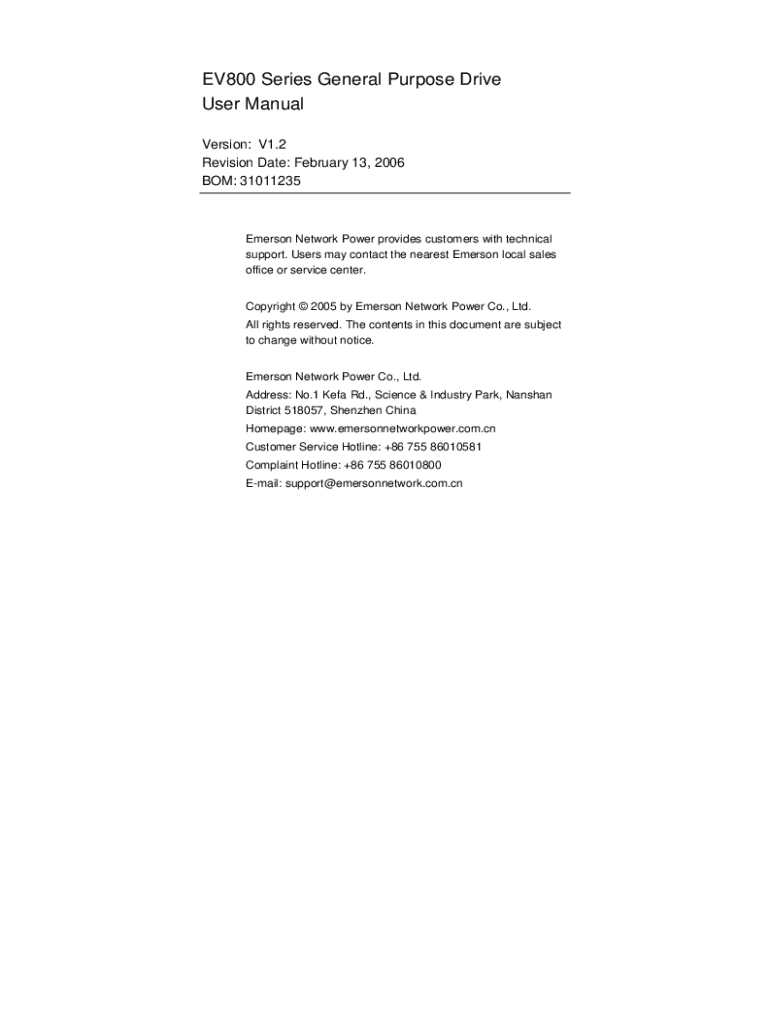
T Emerson local sales office or service center. Copyright 2005 by Emerson Network Power Co., Ltd. All rights reserved. The contents in this document are subject to change without notice. Emerson Network Power Co., Ltd. Address: No.1 Kefa Rd., Science & Industry Park, Nanshan District 518057, Shenzhen China Homepage: www.emersonnetworkpower.com.cn Customer Service Hotline: +86 755 86010581 Complaint Hotline: +86 755 86010800 E-mail: support emersonnetwork.com.cn Contents Chapter 1 1.1 1.2 1.
Loading

Open form follow the instructions

Easily sign the form with your finger

Send filled & signed form or save
How to fill out the Emerson Ev2000 Manual online
Filling out the Emerson Ev2000 Manual online is a straightforward process designed to guide you through the necessary steps efficiently. This guide provides clear and structured instructions to ensure you can complete the form accurately and easily.
Follow the steps to accurately complete the form
- Click the ‘Get Form’ button to obtain the manual and open it in your preferred online editor.
- Review the introduction section to familiarize yourself with the purpose of the manual and the specific requirements for your application.
- Proceed to the Safety Information chapter. Fill in any required acknowledgement fields to indicate that you have read and understood all safety warnings and cautions mentioned.
- Navigate to the Rating Data section. Input the model number and other relevant specifications for your unit as prompted in the form.
- Continue to the Mechanical Installation chapter. If required, complete the installation details and ensure that you adhere to the recommended mounting guidelines.
- In the Electrical Installation chapter, fill out the details regarding power connections and safety compliance as necessary.
- In the Keypad and Display section, indicate configurations that apply to your device. This may include settings like parameter access or security codes.
- Check the Parameters chapter for any configurations that need to be completed based on your operational use.
- Finally, review the Diagnostics chapter and complete any requested fields that provide information on the functioning and diagnostics of the device.
- Once all sections are filled out correctly, save your changes and choose to download, print, or share the form as necessary.
Complete your Emerson Ev2000 Manual online today to ensure a streamlined and efficient operation.
Experience a faster way to fill out and sign forms on the web. Access the most extensive library of templates available.
Related content
The contract includes repair services for HVAC equipment, replacement services for HVAC...
by CR Heinrichs · Cited by 75 — Preparing students as 21st century learners is a key...
This manual offers a brief introduction of the installation connection for E2000 series...
Get answers to your most pressing questions about US Legal Forms API.
How do I turn off the alarm on my Emerson clock?
Turning off the alarm on your Emerson clock is simple. Press the 'Alarm' button or the designated alarm off button to deactivate the sound. If you prefer to snooze the alarm instead, simply press the snooze button. For additional details, the Emerson Ev2000 Manual provides comprehensive instructions.
How to manually set a radio clock?
To manually set a radio clock, first ensure it is plugged in and powered on. Locate the 'Set' button, then press it to adjust the time settings accordingly. Use the tuning dial or buttons to fine-tune the time while following the instructions in the Emerson Ev2000 Manual for more precise settings.
How to set an Emerson alarm clock?
Setting an Emerson alarm clock involves finding the 'Alarm' button on your clock. Press this button until the alarm time flashes on the display. Use the hour and minute buttons to adjust the settings to your preferred wake-up time. You can find a step-by-step guide in the Emerson Ev2000 Manual for easier navigation.
How to set Emerson thermostat to factory settings?
To set your Emerson thermostat back to factory settings, locate the reset button on the device. Press and hold the button until the display indicates a factory reset. This will restore all settings, allowing you to configure your thermostat anew. For specific instructions, please refer to the Emerson Ev2000 Manual.
How do you reset the time on the Emerson Smart Set?
To reset the time on the Emerson Smart Set, press and hold the 'Time' button until the display begins to blink. Use the hour and minute buttons to adjust the time as needed. Once you set the time correctly, press 'Time' again to save your changes. For detailed guidance, refer to the Emerson Ev2000 Manual.
How to manually set an Emerson alarm clock?
To manually set an Emerson alarm clock, first locate the time-setting buttons on your device. Press and hold the 'Time' or 'Set' button until the display flashes. Then, use the hour and minute buttons to set your desired time. Remember to consult the Emerson Ev2000 Manual for specific instructions tailored to your model.
Use professional pre-built templates to fill in and sign documents online faster. Get access to thousands of forms.
If you believe that this page should be taken down, please follow our DMCA take down process here.