This form is a generic example that may be referred to when preparing such a form for your particular state. It is for illustrative purposes only. Local laws should be consulted to determine any specific requirements for such a form in a particular jurisdiction.
Virgin Islands Agreement to Provide Security or Alarm, Surveillance and/or Traffic Control Services - Security Personnel to be Independent Contractors - Self-Employed
State:
Multi-State
Control #:
US-02076BG
Format:
Word;
Rich Text
Instant download
Description
Free preview
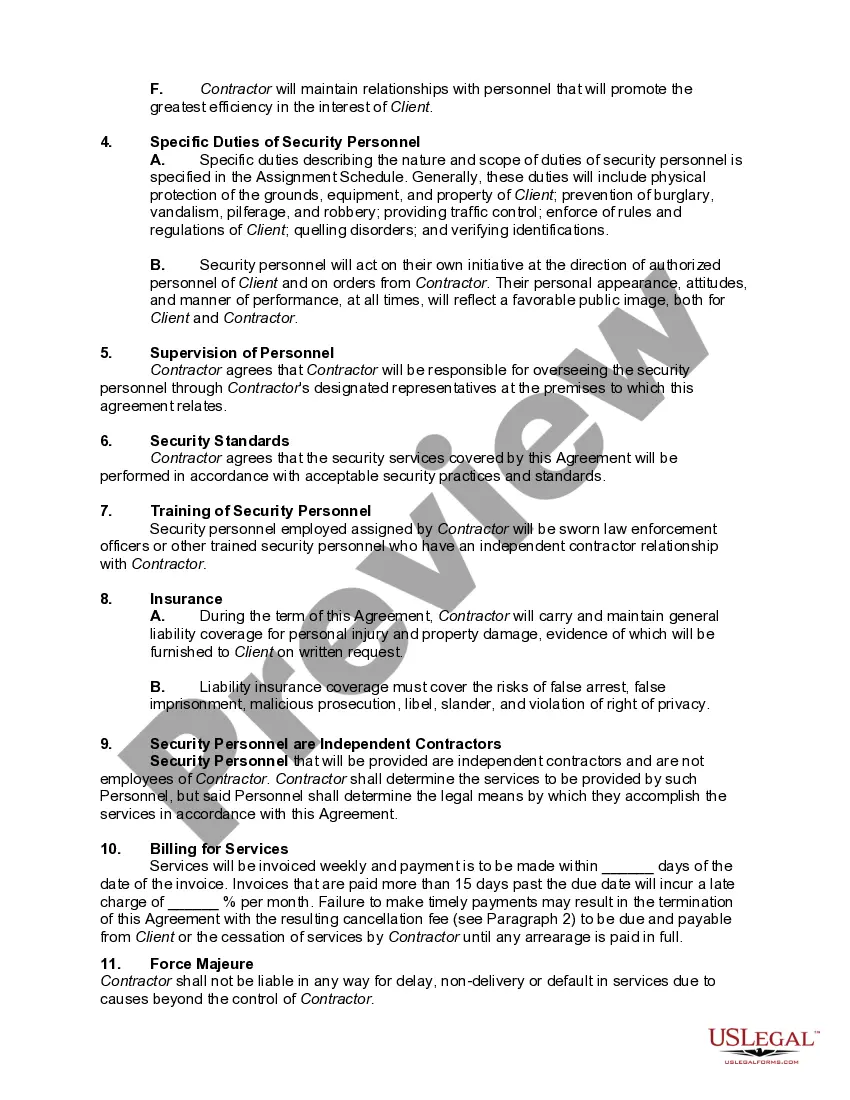
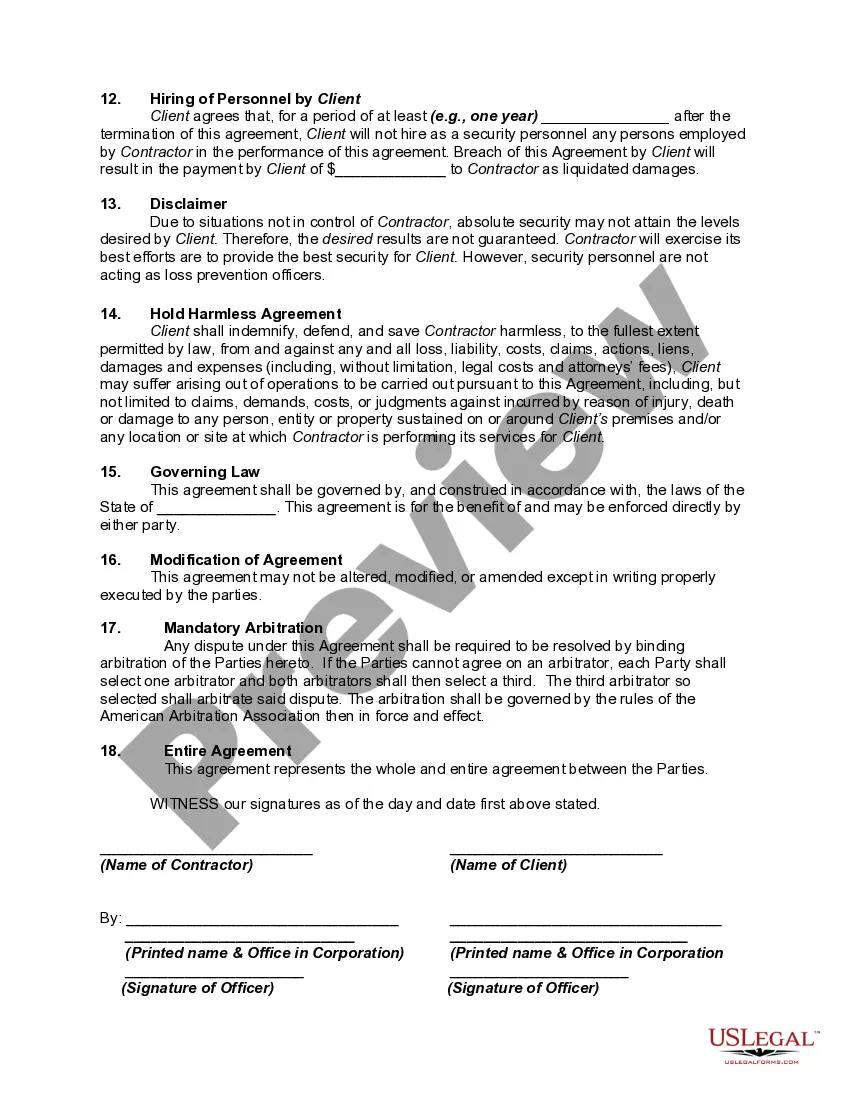
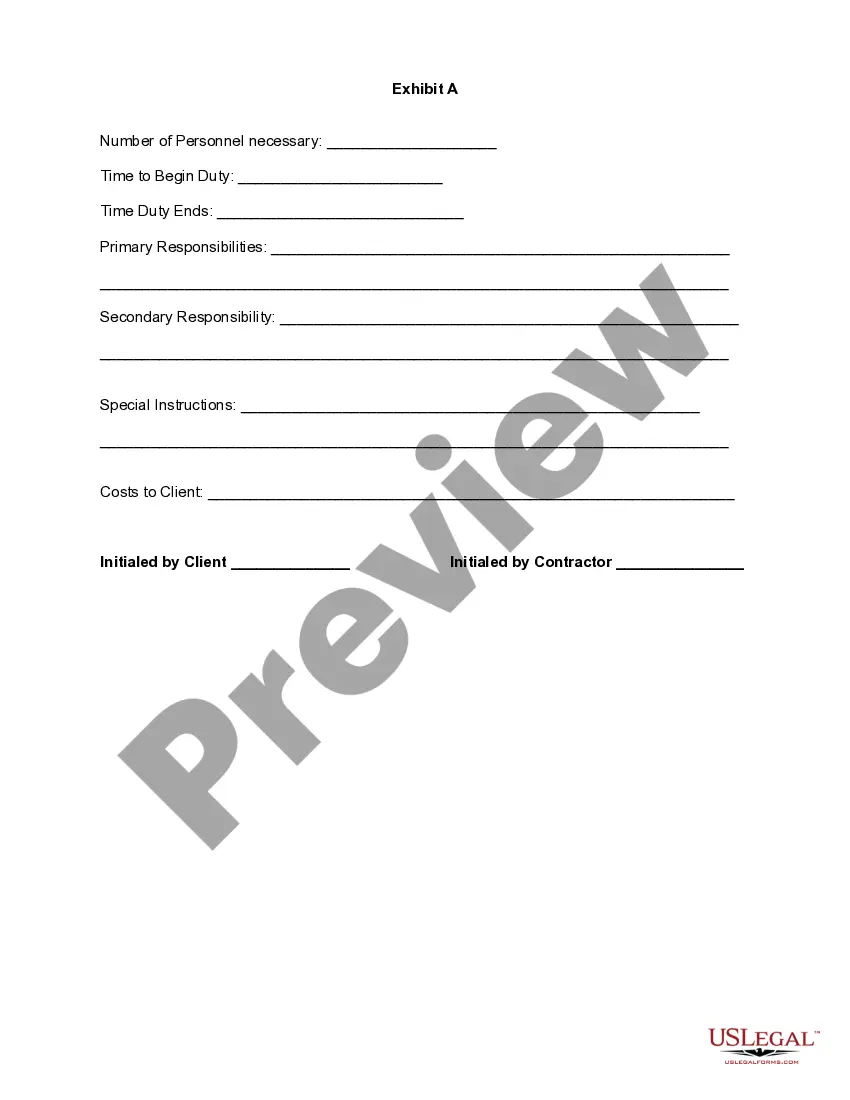
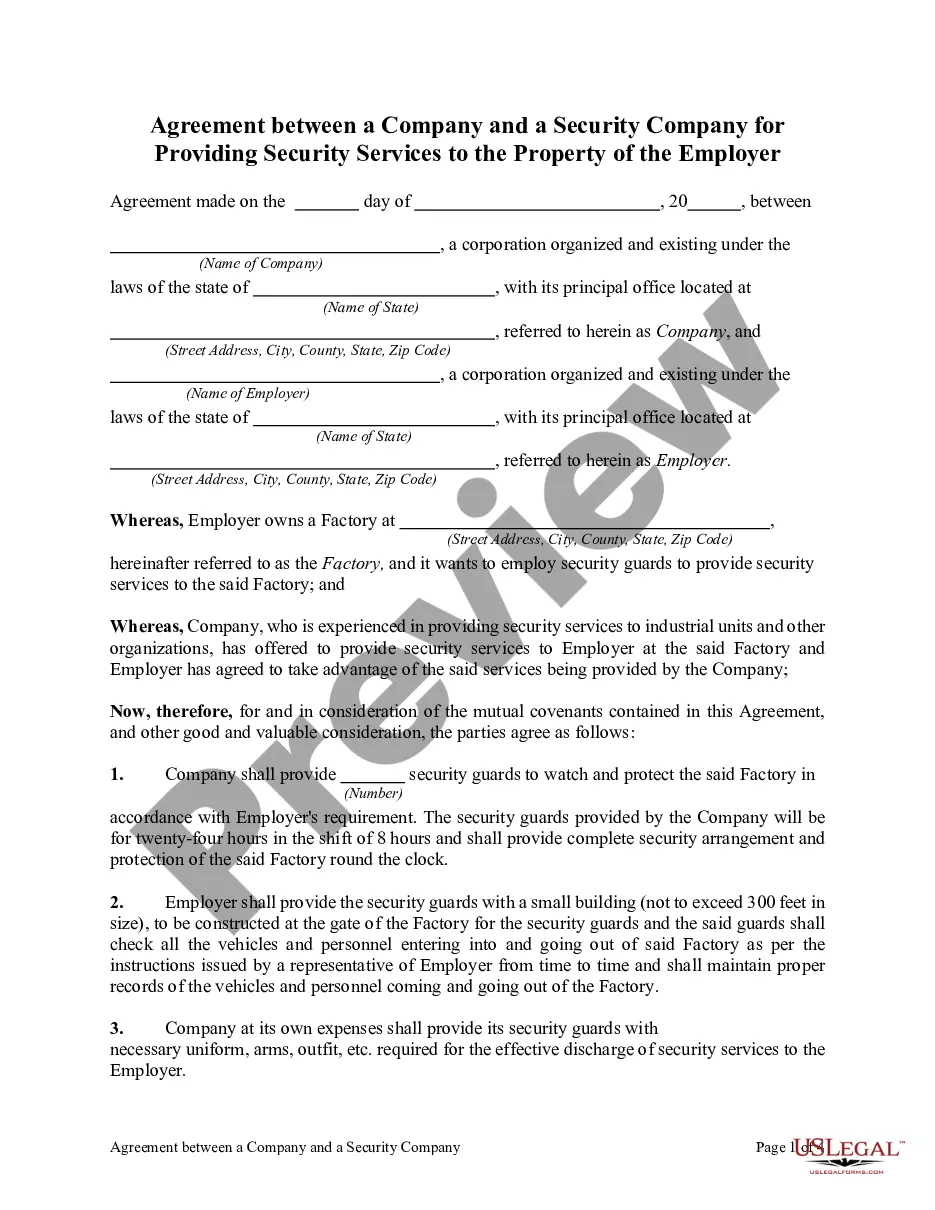
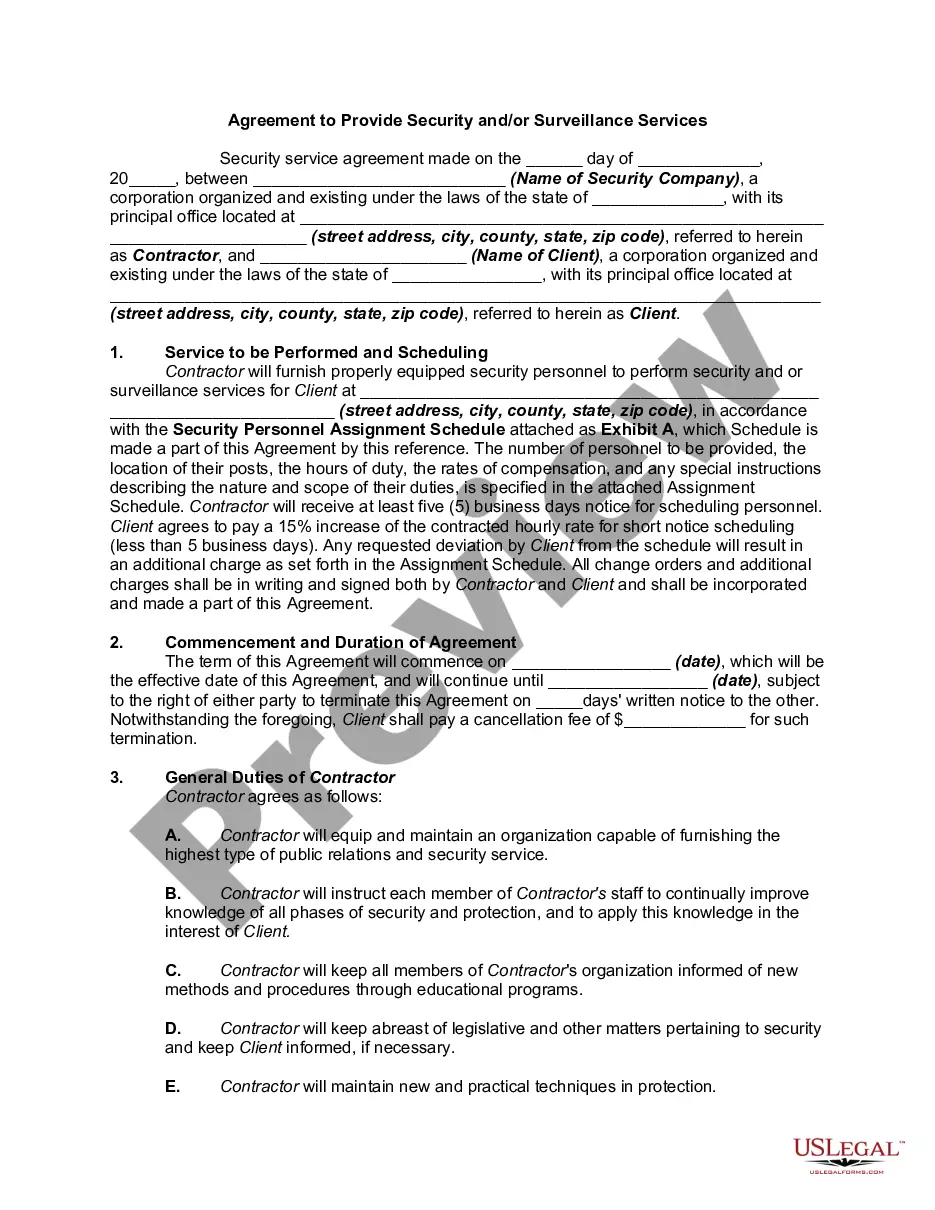
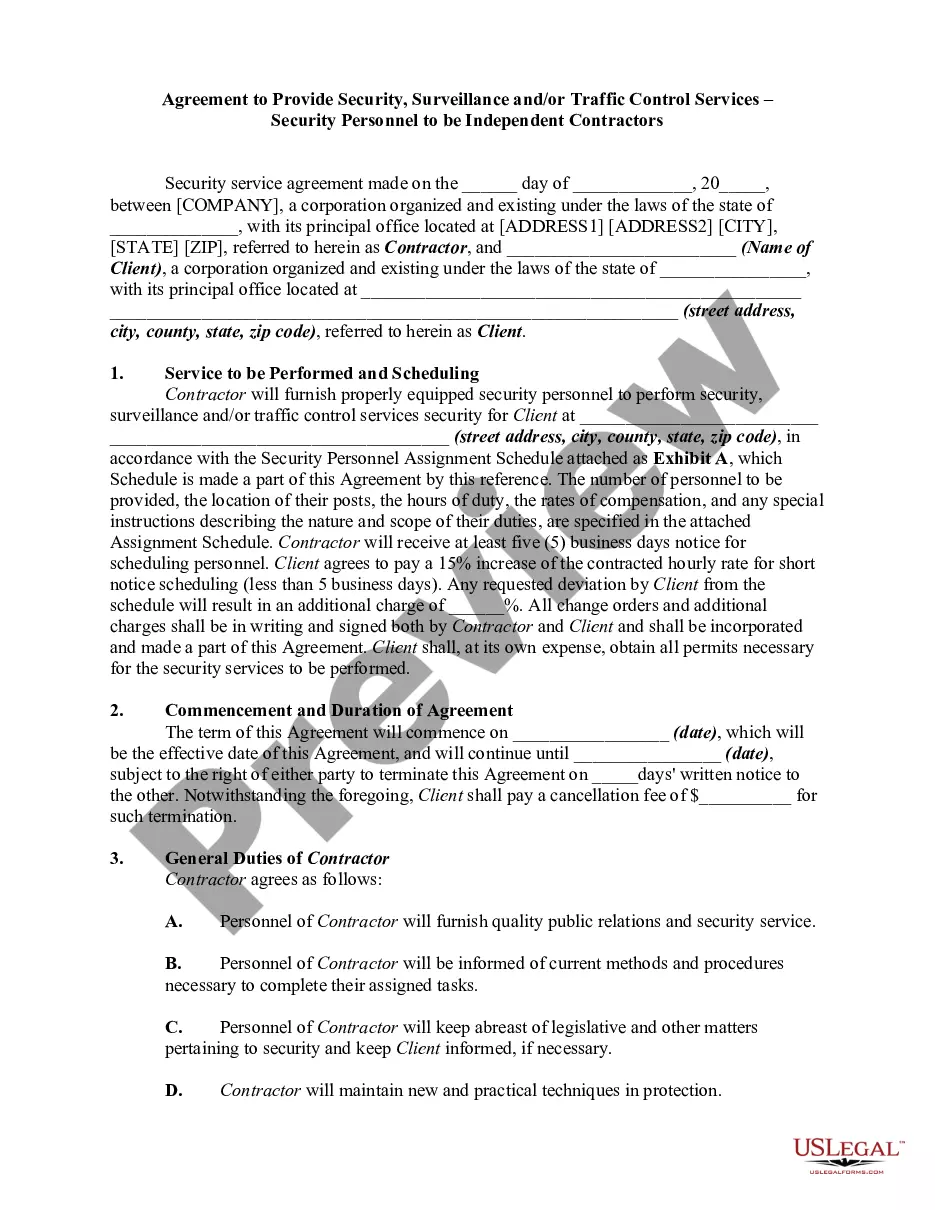
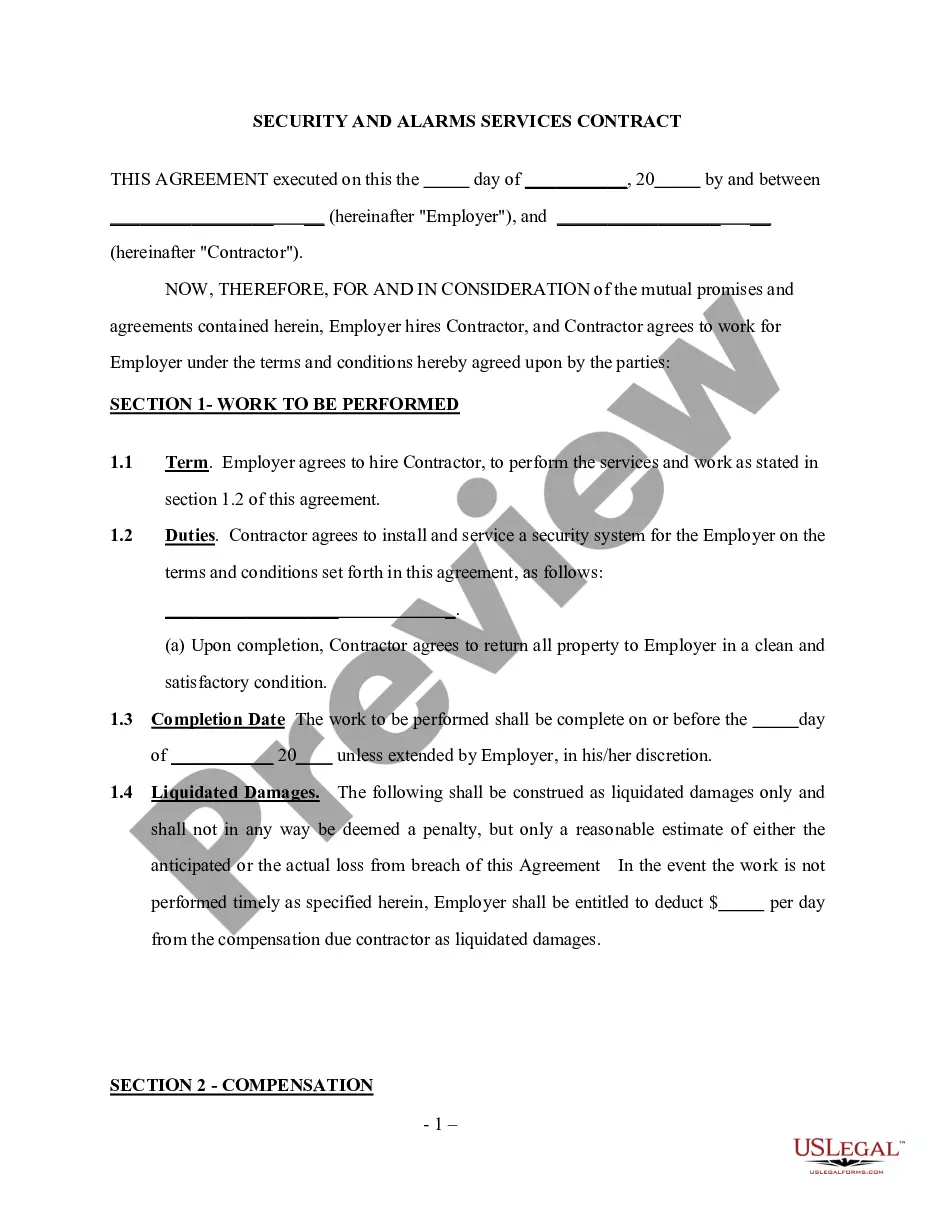
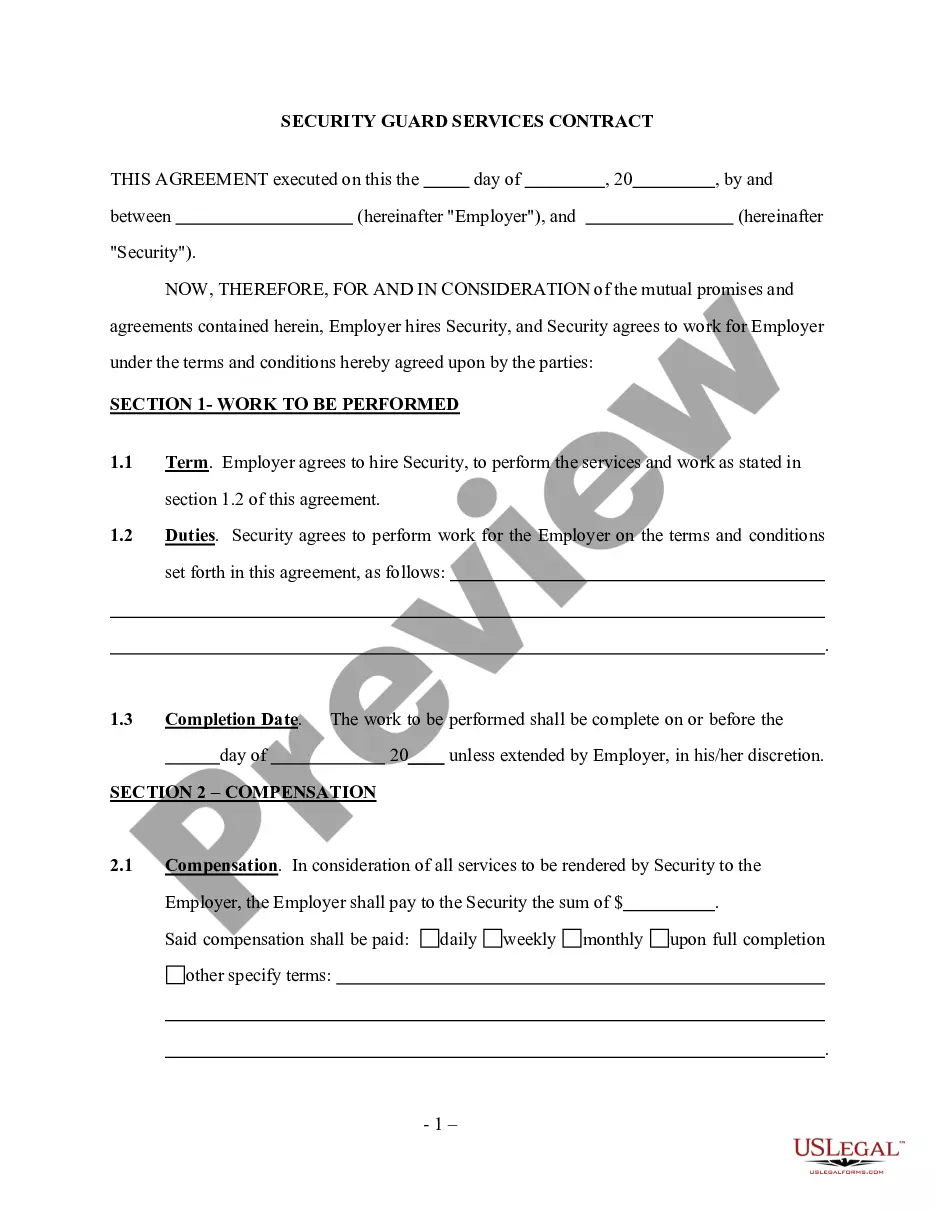

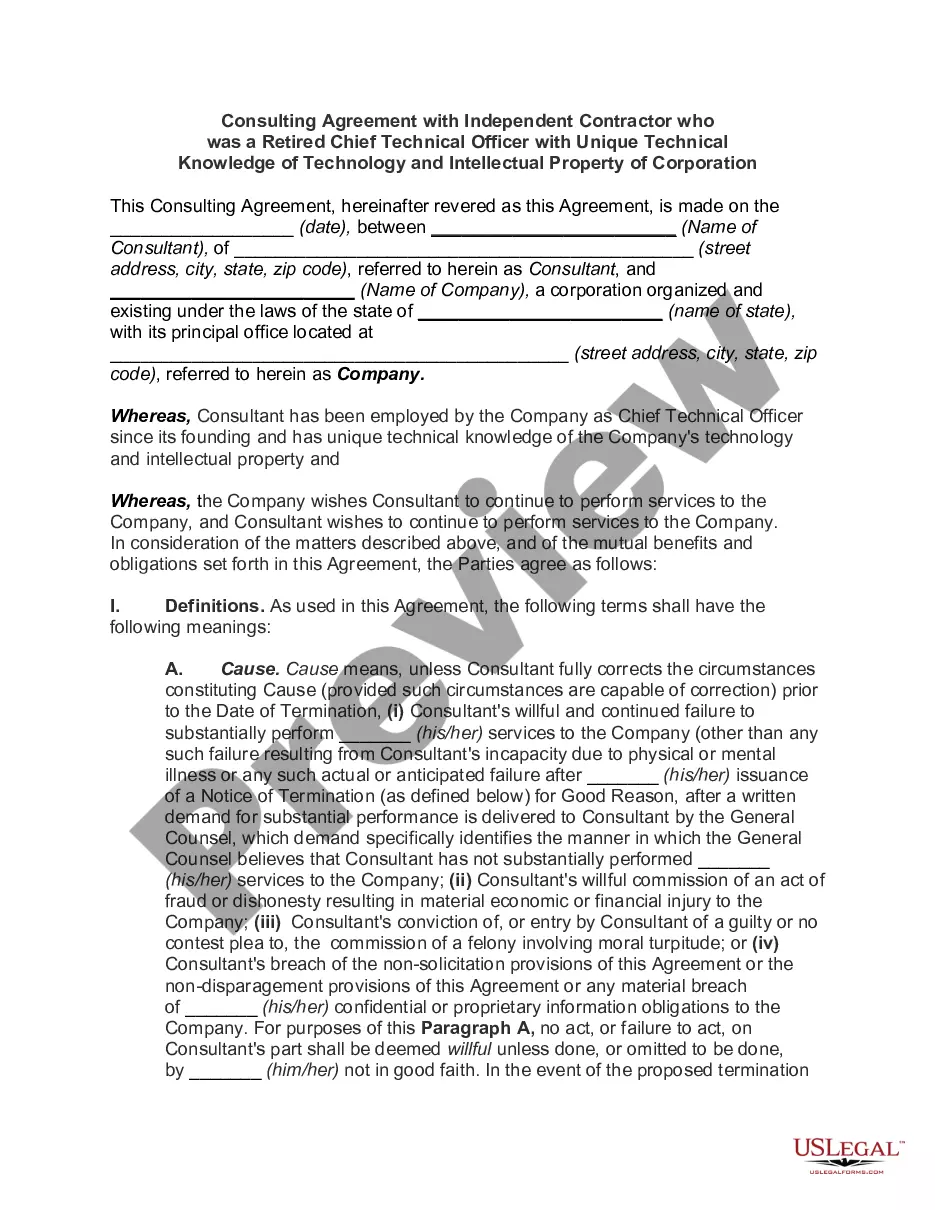
How to fill out Agreement To Provide Security Or Alarm, Surveillance And/or Traffic Control Services - Security Personnel To Be Independent Contractors - Self-Employed?
US Legal Forms - one of the largest collections of legal templates in America - provides a range of legal document templates that you can download or create.
By using the website, you can access thousands of forms for business and personal purposes, sorted by categories, states, or keywords. You can find the latest templates, such as the Virgin Islands Agreement to Provide Security or Alarm, Surveillance and/or Traffic Control Services - Security Personnel to be Independent Contractors - Self-Employed in seconds.
If you have an account, Log In to download the Virgin Islands Agreement to Provide Security or Alarm, Surveillance and/or Traffic Control Services - Security Personnel to be Independent Contractors - Self-Employed from the US Legal Forms library. The Acquire button will appear on every form you view. You have access to all previously downloaded forms in the My documents section of your profile.
Process the transaction. Use your credit card or PayPal account to complete the transaction.
Select the format and download the form to your device. Make changes. Fill out, edit, print, and sign the downloaded Virgin Islands Agreement to Provide Security or Alarm, Surveillance and/or Traffic Control Services - Security Personnel to be Independent Contractors - Self-Employed. Every template you add to your account has no expiration date and is yours forever. So, if you wish to download or print another copy, simply go to the My documents section and click on the form you need. Access the Virgin Islands Agreement to Provide Security or Alarm, Surveillance and/or Traffic Control Services - Security Personnel to be Independent Contractors - Self-Employed with US Legal Forms, one of the most extensive libraries of legal document templates. Utilize thousands of professional and state-specific templates that meet your business or personal needs and requirements.
- Make sure you have selected the correct form for your location/area.
- Click the Review button to examine the contents of the form.
- Refer to the form description to ensure that you have selected the right form.
- If the form does not meet your needs, use the Search field at the top of the screen to find the one that does.
- If you are satisfied with the form, confirm your choice by clicking the Purchase now button.
- Then, choose the payment plan you prefer and provide your information to register for an account.
Form popularity
FAQ
The DD 254 is a Department of Defense form used to outline security requirements for contracts involving classified information. In relation to the Virgin Islands Agreement to Provide Security or Alarm, Surveillance and/or Traffic Control Services - Security Personnel to be Independent Contractors - Self-Employed, it specifies the necessary security measures that contractors must follow. Utilizing the DD 254 is essential for safeguarding sensitive data and ensuring contractor compliance with security standards.
The contractually binding document that provides security classification guidance is typically referred to as the Security Classification Guide. In the context of the Virgin Islands Agreement to Provide Security or Alarm, Surveillance and/or Traffic Control Services - Security Personnel to be Independent Contractors - Self-Employed, this guide serves to establish how sensitive information should be handled. It is vital for contractors to understand these classifications to comply with security protocols.
The relevant contracting document that includes security requirements and classification guidance is often known as the Security Requirements Document. This is crucial for contracts related to the Virgin Islands Agreement to Provide Security or Alarm, Surveillance and/or Traffic Control Services - Security Personnel to be Independent Contractors - Self-Employed. This document ensures that all parties are aware of necessary security protocols. Understanding this document strengthens compliance and enhances security measures.
To create a security contract agreement, start by clearly defining the roles and responsibilities of all parties involved. Include specific details about the Virgin Islands Agreement to Provide Security or Alarm, Surveillance and/or Traffic Control Services - Security Personnel to be Independent Contractors - Self-Employed. Ensure that you outline compensation, duration, and any service-level expectations. This clarity helps prevent misunderstandings and builds a strong foundation for your agreement.
Yes, a security guard can work as an independent contractor in Florida. It's essential that the guard meets all state licensing requirements and operates under the appropriate agreements. This structure allows flexibility and independence, aligning well with the Virgin Islands Agreement to Provide Security or Alarm, Surveillance and/or Traffic Control Services - Security Personnel to be Independent Contractors - Self-Employed, which emphasizes the self-employed status of security personnel.
To write a security service contract, start by clearly defining the scope of services. Include details about the specific duties, hours of work, and payment terms. It's also essential to outline both parties' responsibilities and address liability and termination clauses. Using the Virgin Islands Agreement to Provide Security or Alarm, Surveillance and/or Traffic Control Services - Security Personnel to be Independent Contractors - Self-Employed can guide you in creating a comprehensive and legally sound contract.
The National Industrial Security Program (NISP) was established by Executive Order 12829 to ensure that cleared U.S. defense industry safeguards the classified information in their possession while performing work on contracts, programs, bids, or research and development efforts.
The National Industrial Security Program Operating Manual (NISPOM) establishes the standard procedures and requirements for all government contractors, with regards to classified information. It covers the entire field of government-industrial security-related matters.
DFARS Clause 252.204-7012, Safeguarding Covered Defense Information and Cyber Incident Reporting, requires contractors to provide adequate security for covered defense information that is processed, stored, or transmitted on the contractor's internal information system or network.