Connecticut Telecommuting Agreement

State:
Multi-State
Control #:
US-0454BG
Format:
Word; 
Rich Text
Instant download

Description

Telecommuting is working from a remote location outside of a traditional office. The remote location can be from home, a coffee shop, or hotel room. The Internet, faxes, phones, webcams, and instant messaging are some of the technological advances that enable this type of work arrangement. Most telecommuters work in the financial, high-tech, and communications industries.


This form is a generic example that may be referred to when preparing such a form for your particular state. It is for illustrative purposes only. Local laws should be consulted to determine any specific requirements for such a form in a particular jurisdiction.

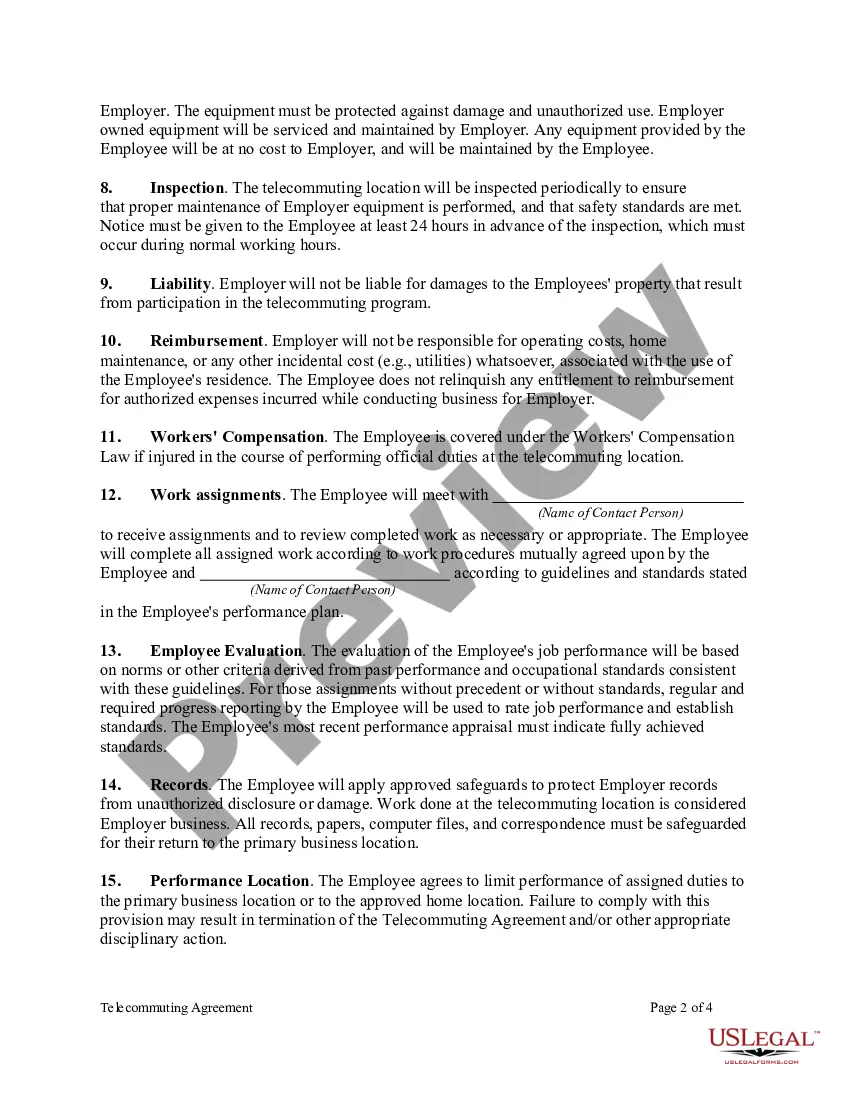
Free preview
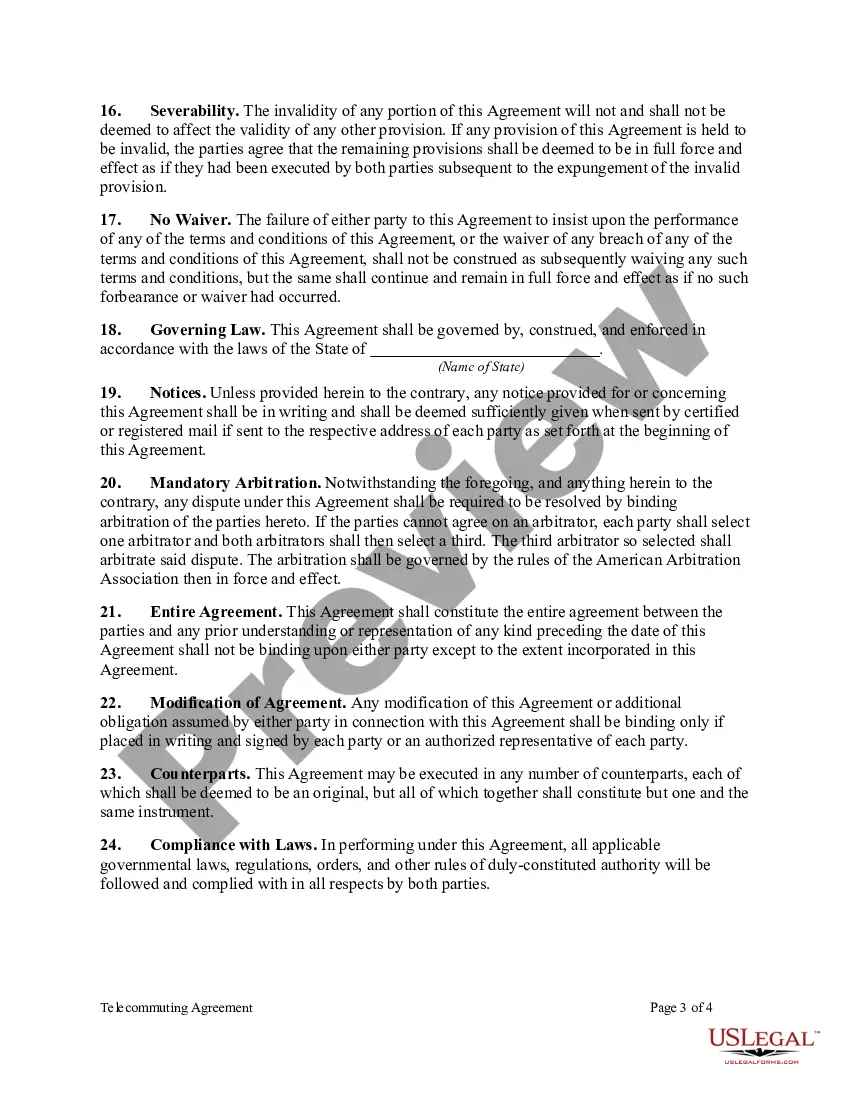
  • Preview Telecommuting Agreement
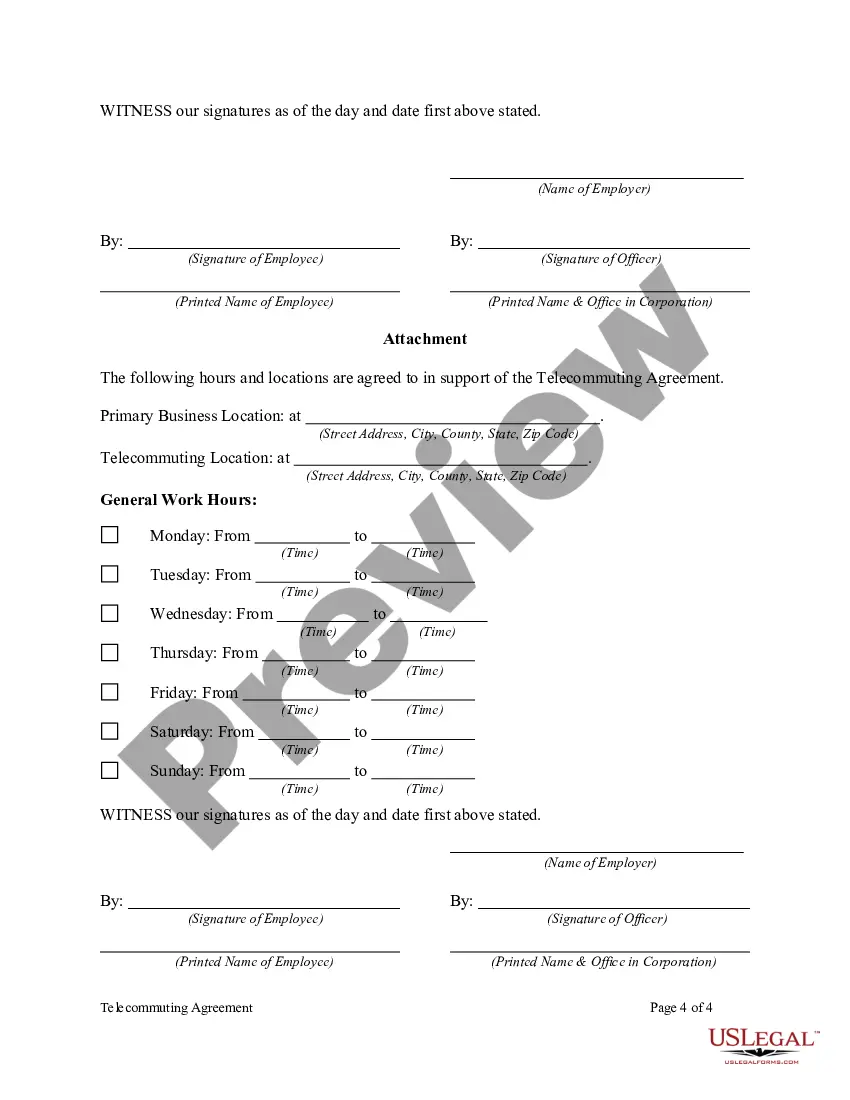
  • Preview Telecommuting Agreement
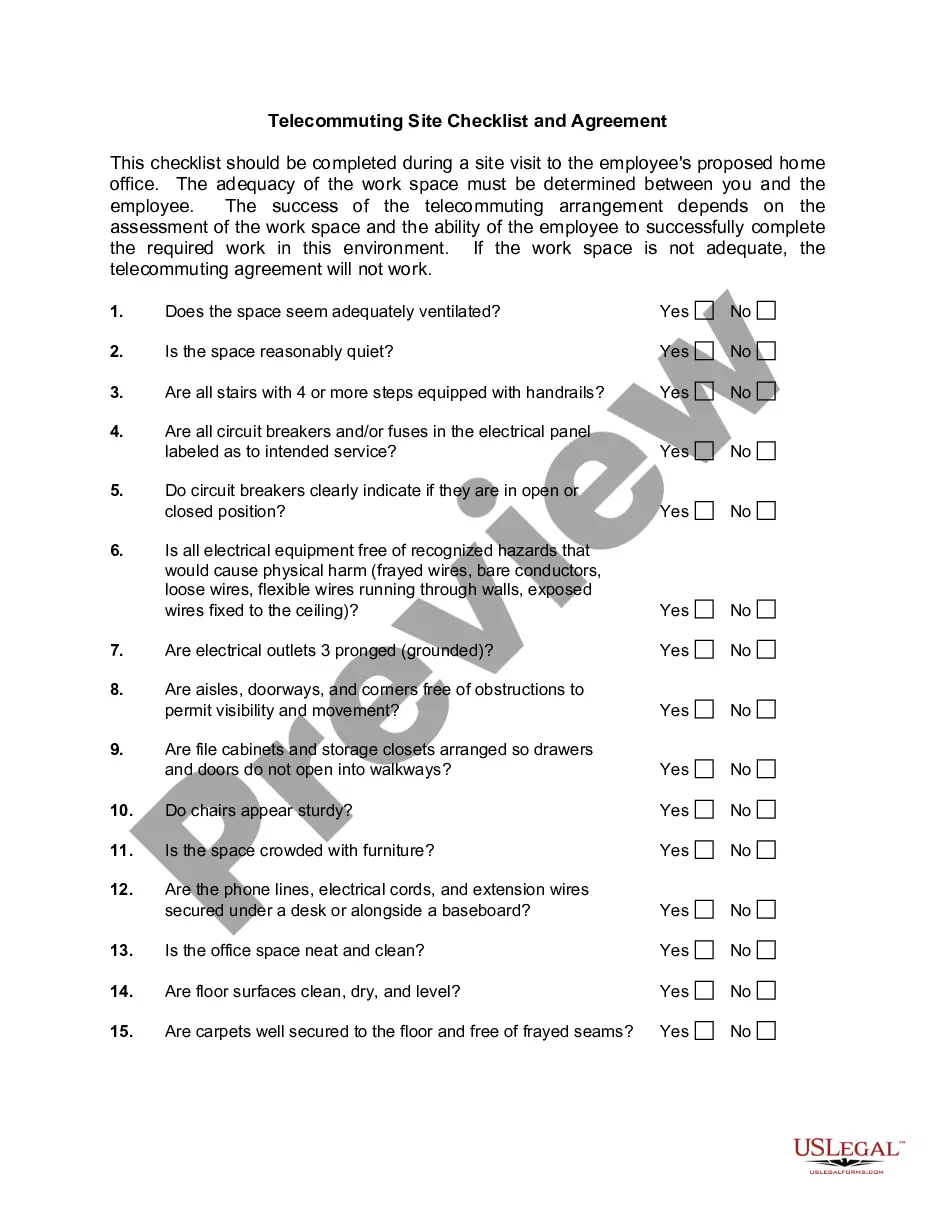
  • Preview Telecommuting Agreement
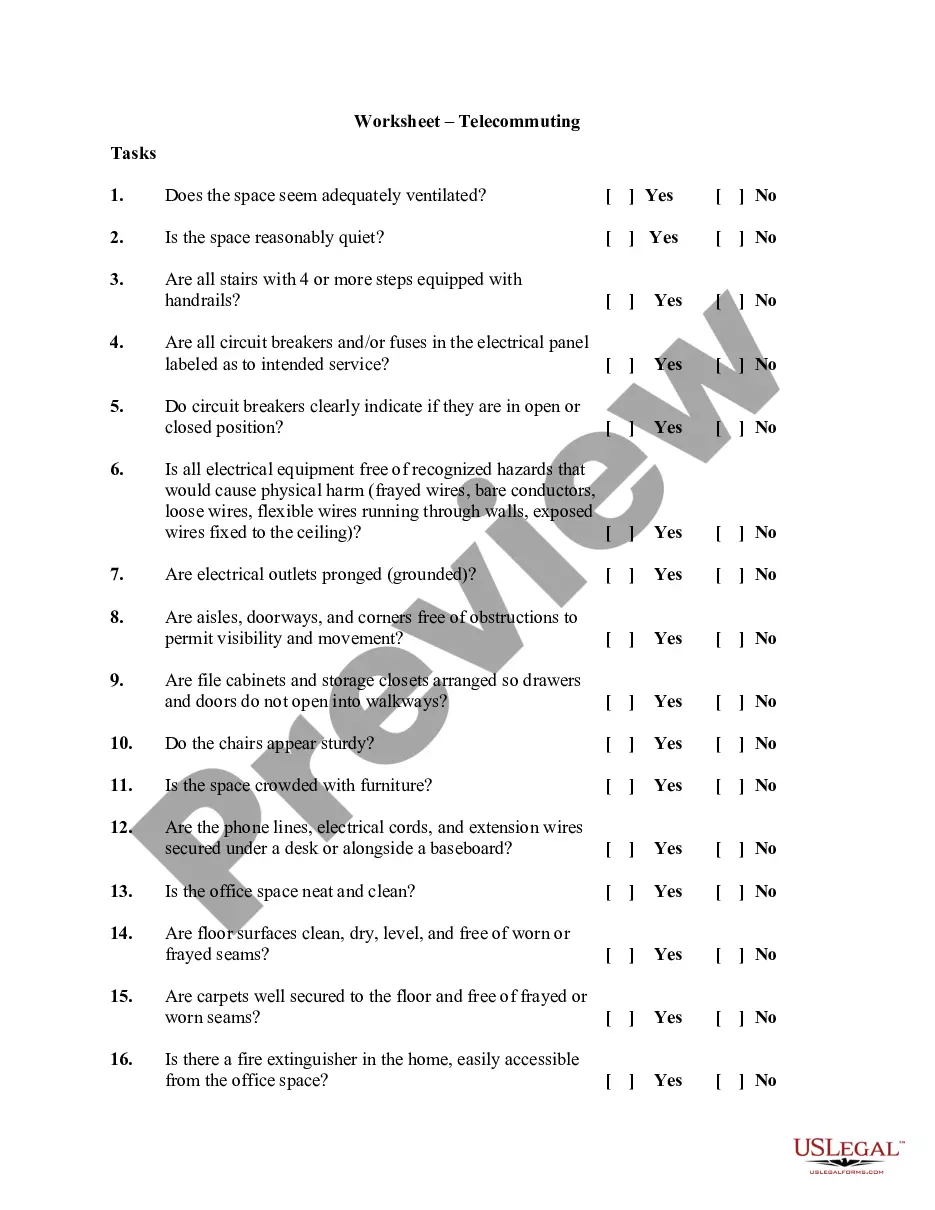
  • Preview Telecommuting Agreement

How to fill out Telecommuting Agreement?

If you wish to obtain, download, or print permissible document templates, utilize US Legal Forms, the premier selection of legal forms available online.

Employ the site’s user-friendly and efficient search to locate the documents you need.

A range of templates for business and personal use are categorized by types and jurisdictions or keywords. Utilize US Legal Forms to discover the Connecticut Telecommuting Agreement with just a few clicks.

Each legal document template you purchase belongs to you forever. You will have access to all forms you downloaded in your account. Click on the My documents section and select a form to print or download again.

Stay competitive and download, and print the Connecticut Telecommuting Agreement with US Legal Forms. There are millions of professional and state-specific forms available for your business or personal needs.

  1. If you are currently a US Legal Forms user, sign in to your account and click the Acquire button to find the Connecticut Telecommuting Agreement.
  2. You can also access forms you previously downloaded in the My documents section of your account.
  3. If this is your first time using US Legal Forms, follow the steps below.
  4. Step 1. Ensure you have chosen the form for the correct city/state.
  5. Step 2. Use the Preview option to review the form’s details. Don’t forget to check the description.
  6. Step 3. If you are not satisfied with the form, use the Search field at the top of the screen to find alternative versions of the legal form template.
  7. Step 4. Once you have found the template you need, select the Purchase now button. Choose the pricing option you prefer and enter your details to register for an account.
  8. Step 5. Complete the transaction. You can use your credit card or PayPal account to finalize the purchase.
  9. Step 6. Choose the format of your legal form and download it to your device.
  10. Step 7. Fill out, modify, and print or sign the Connecticut Telecommuting Agreement.

Form popularity

FAQ

Telecommuting, also called telework, can mean that the employee might be working on-site some of the time. However, they also might never come into the office. Most positions considered telecommuting are usually filled by candidates that are geographically close to the business.

How to Create a Remote Work PolicyDetermine how employees will be expected to work and communicate at your organization.Provide the right tools for successful and secure work.Establish clear rules about working from home.Plan time for collaborating and socializing.More items...

Telecommuting is an employment arrangement in which the employee works outside of the employer's office. Often this means working from home or at a location close to home, such as a coffee shop, library, or co-working space.

Telecommuting is the ability for an employee to complete work assignments from outside the traditional workplace by using telecommunications tools such as email, phone, chat and video apps.

They may work remotely on a temporary basis, such as while traveling, or they might be a permanent remote worker. Telecommuting, also called telework, can mean that the employee might be working on-site some of the time. However, they also might never come into the office.

The self-employed do not qualify as telecommuters because they lack employee status. In addition, home-based business owners do not work at an alternate worksite. For them, home is the primary worksite, and working at home means no commuting.

In practice, "telework" is a work arrangement that allows and employee to perform work, during any part of regular, paid hours, at an approved alternative worksite (e.g., home, telework center).

Location of the telework office (e.g., home or another alternative workplace) Equipment inventory (e.g., what the employee is supplying, what the agency is providing, and who is responsible to maintain it) A general list of job tasks that will be performed while teleworking. The telework schedule.

The telecommuter agrees to provide a secure location for EMPLOYER-owned equipment and materials, and will not use, or allow others to use, such equipment for purposes other than EMPLOYER business. All equipment, records, and materials provided by the EMPLOYER shall remain EMPLOYER property.

The difference between telework and remote work is the employee's duty station. For remote workers, the remote work location is their official duty station (e.g., their home).

Trusted and secure by over 3 million people of the world’s leading companies

Connecticut Telecommuting Agreement