Hipaa Health Form For Providers
Description
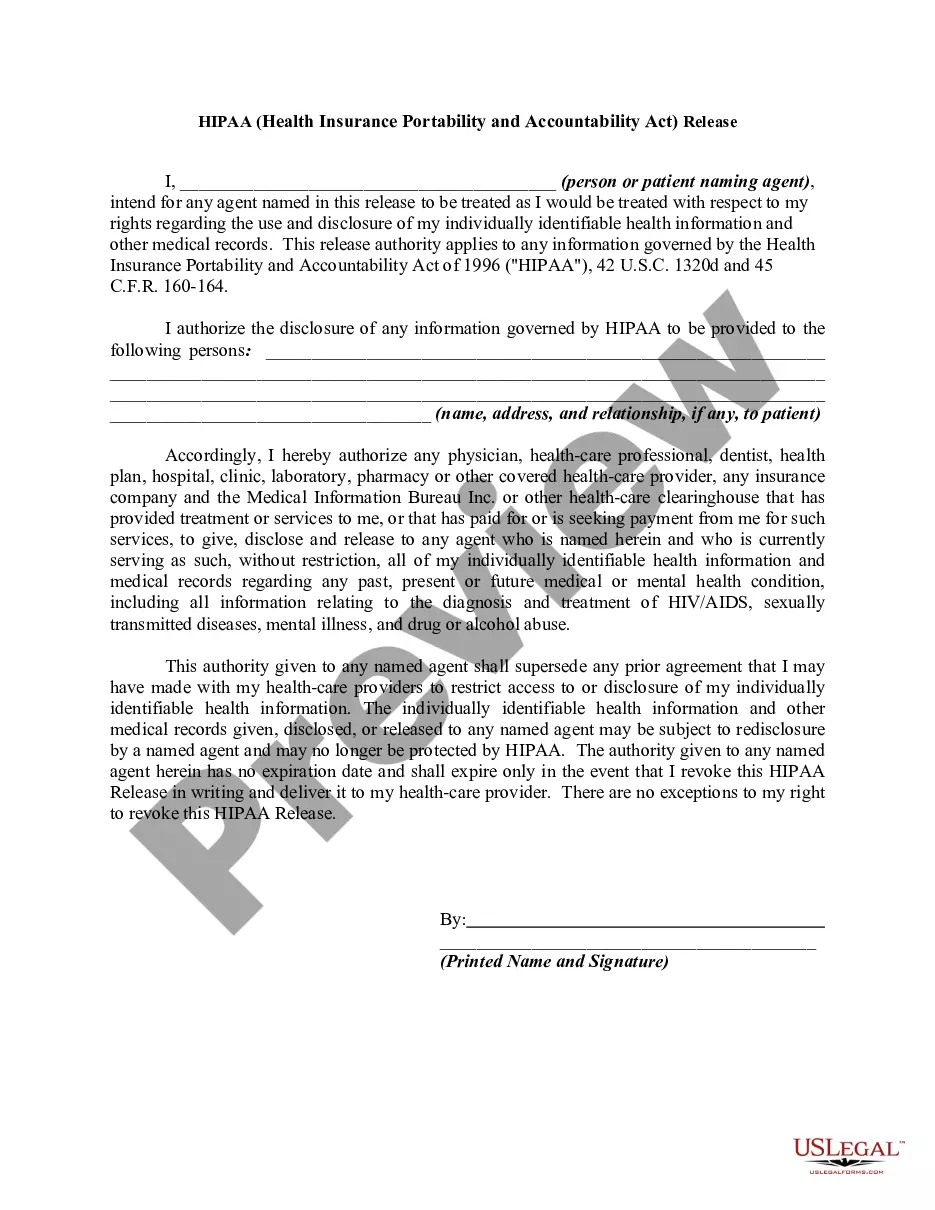
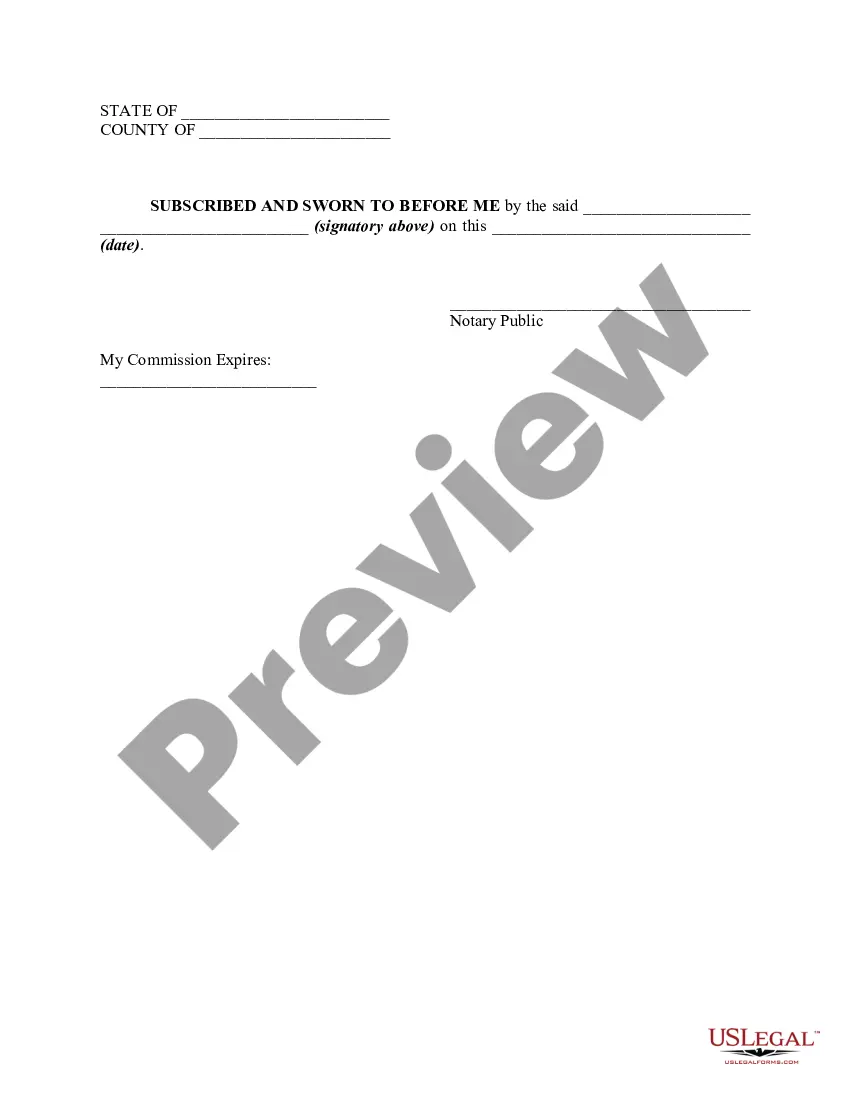

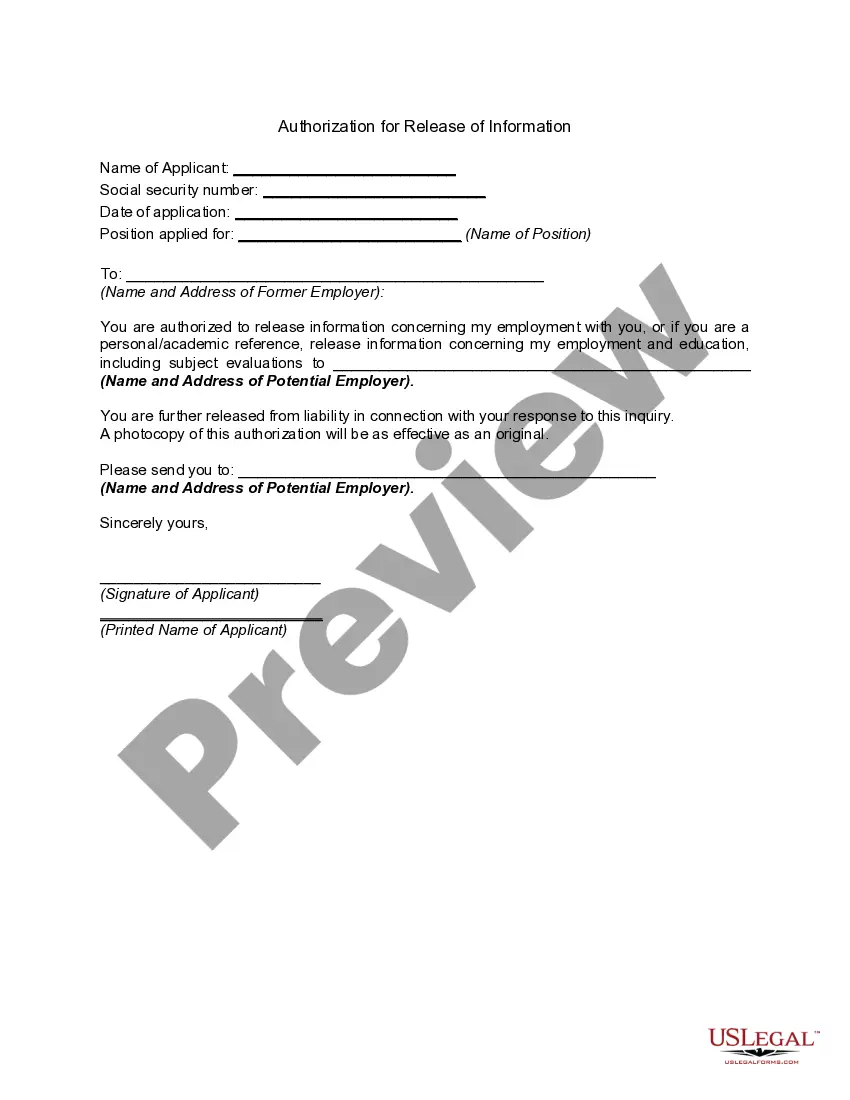
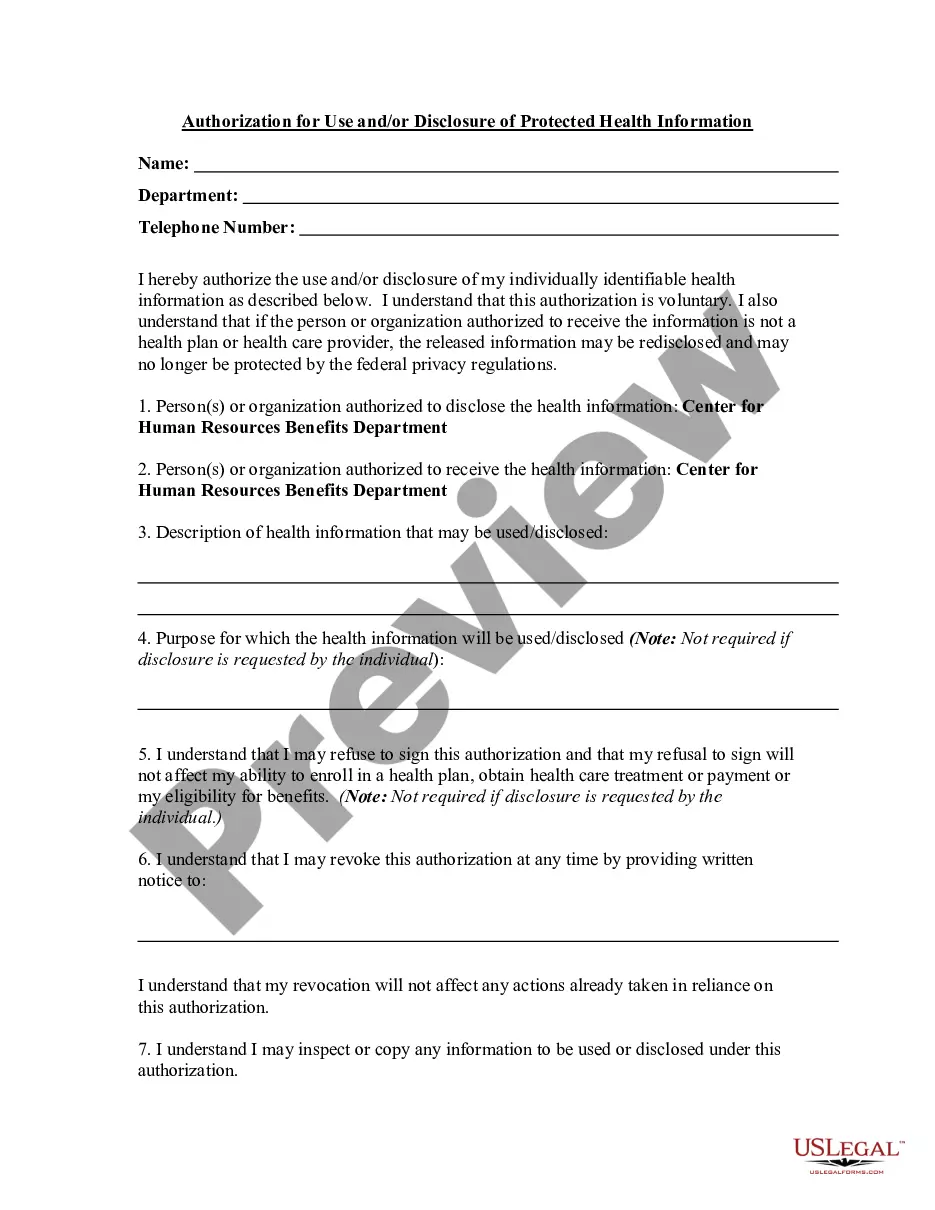



How to fill out HIPAA - Health Insurance Portability And Accountability Act - Release - Authorization To Release Information To A Third Party?
Acquiring legal document samples that adhere to federal and state laws is essential, and the web provides a plethora of choices to select from.
However, what is the purpose of spending time hunting for the properly crafted Hipaa Health Form For Providers template online when the US Legal Forms digital library has gathered such forms in one location.
US Legal Forms is the largest web-based legal resource with over 85,000 fillable forms created by attorneys for various business and personal situations. They are straightforward to navigate, with all documents categorized by state and intended use. Our experts keep abreast of legislative updates, so you can trust that your documentation is current and compliant when obtaining a Hipaa Health Form For Providers from our site.
Once you have found the correct form, click Buy Now and select a subscription plan. Create an account or sign in, and process payment using PayPal or a credit card. Choose the appropriate format for your Hipaa Health Form For Providers and download it. All templates available through US Legal Forms are reusable. To re-download and complete previously purchased forms, navigate to the My documents section in your account. Experience the broadest and user-friendly legal document service!
- Acquiring a Hipaa Health Form For Providers is straightforward and rapid for both existing and new users.
- If you already possess an account with an active subscription, Log In and retrieve the document sample you need in your preferred format.
- If you are accessing our site for the first time, follow these steps.
- Review the template using the Preview function or the text description to confirm it meets your requirements.
- Use the search feature at the top of the page to find an alternative sample if necessary.
Form popularity
FAQ
Currently, traditional ChatGPT services do not offer HIPAA compliance, as they are not designed to handle protected health information. However, if you are looking to engage with technology while ensuring compliance, consider using specialized platforms that provide HIPAA-compliant features. For a secure environment, you might want to explore healthcare-focused options or consult your legal team. Remember, protecting health information is essential when creating any HIPAA health form for providers.
To make Google Forms HIPAA compliant, you must sign a Business Associate Agreement (BAA) with Google. This agreement ensures that Google will protect your patients' health information. After securing the BAA, focus on which fields you include in your form, limiting the collection of sensitive health data. Following these steps will help you create a secure HIPAA health form for providers.
View previous versions of a file Open the file you want to view. Click the title of your file and select Version history. Select a version to open it in a separate window. If you want to restore a previous version you've opened, select Restore.
Restore Previous Versions (PC) ? In Windows, if you right-click on a file, and go to ?Properties,? you will see an option titled ?Previous Versions.? This option can help you revert to a version of your file before the overwrite occurred, allowing you to get your data back.
Google Forms does not have version history like Google Docs or Sheets. When you delete responses in Google Forms, it will be deleted permanently. The deleted form responses cannot be restored later.
Enable Previous Versions from Restore Point Open Start. Search for Create a restore point and click the top result to open the System Protection settings. Select the drive with files to restore previous versions. Click the Configure button. Select the ?Turn on system protection? option. Click the Apply button.
Within Microsoft Word, go to File / Manage Document and click on the File tab. Now select ?Document Management?, then ?Recover Unsaved Documents?. In the new window, you will see a list of all unsaved Word documents. Select the documents you are interested in and click Open.
Open the file you want to restore and go to File > Info. If the file has previous versions, you'll see a button named Version History. Select it to see the list of versions. In the Version History pane on the right, select a version to view it.