Corporate Resolution Form California In Riverside
Description



Get your form ready online
Our built-in tools help you complete, sign, share, and store your documents in one place.
Make edits, fill in missing information, and update formatting in US Legal Forms—just like you would in MS Word.
Download a copy, print it, send it by email, or mail it via USPS—whatever works best for your next step.
Sign and collect signatures with our SignNow integration. Send to multiple recipients, set reminders, and more. Go Premium to unlock E-Sign.
If this form requires notarization, complete it online through a secure video call—no need to meet a notary in person or wait for an appointment.
We protect your documents and personal data by following strict security and privacy standards.

Make edits, fill in missing information, and update formatting in US Legal Forms—just like you would in MS Word.

Download a copy, print it, send it by email, or mail it via USPS—whatever works best for your next step.

Sign and collect signatures with our SignNow integration. Send to multiple recipients, set reminders, and more. Go Premium to unlock E-Sign.

If this form requires notarization, complete it online through a secure video call—no need to meet a notary in person or wait for an appointment.

We protect your documents and personal data by following strict security and privacy standards.
Looking for another form?
Form popularity
FAQ
To submit Form SI-100, you may file it online at the California Secretary of State's website or mail it to the Statement of Information Unit at P.O. Box 944230, Sacramento, CA 94244-2300. For in-person submissions, visit the Sacramento office located at 1500 11th Street, Sacramento, CA 95814.
A corporate resolution generally involves major decisions such as the changing of ownership structure, voting in of new board members, or the sale of company shares. A corporate resolution is also generally used to authorize people to access corporate funds, sign checks and acquire loans on behalf of the corporation.
Bylaws and resolutions are the initial decisions of your corporation's board of directors and basic "operating rules" of your corporation. An operating agreement is a key document used by LLCs because it outlines the business' financial and functional decisions including rules, regulations and provisions.
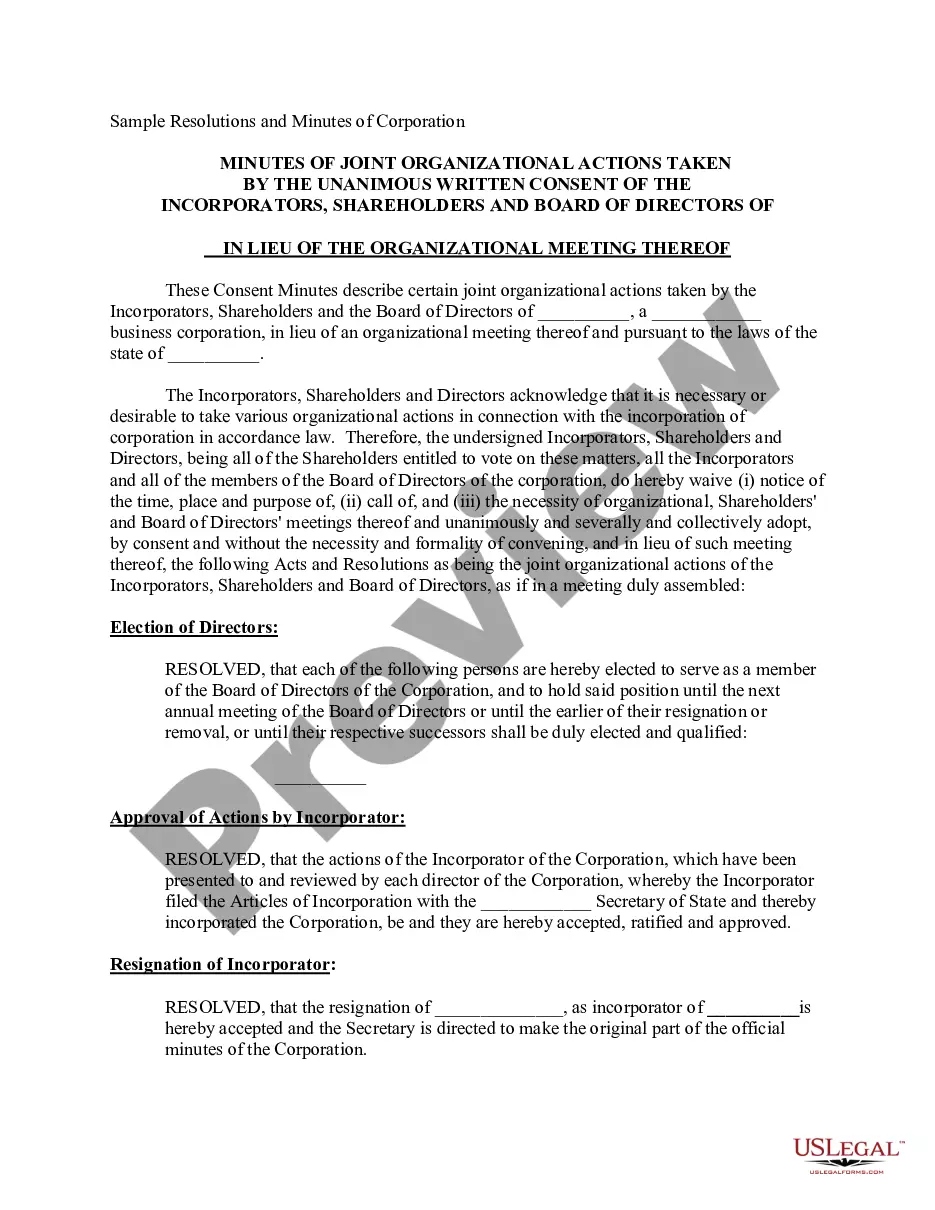
What is corporate resolution form california? A corporate resolution form is a document used to record major decisions made by a corporation's board of directors. In California, this document is required by law to be filed with the California Secretary of State.
Your company's articles of incorporation are like its birth certificate, establishing its legal existence and basic structure. Corporate resolutions, on the other hand, are like the chapters of a book, documenting the key decisions that shape the company's journey.
Corporate Resolution Authorizing Filing Select Bankruptcy menu. Select Other. Enter the case number using correct format and ensure case name and number match the document you are filing. Select Document event: Corp Resolution Auth Filing. Select the party filer. Browse, verify and attach the document (PDF file).
What is corporate resolution form california? A corporate resolution form is a document used to record major decisions made by a corporation's board of directors. In California, this document is required by law to be filed with the California Secretary of State.
A resolution is required to record a formal decision, whether made during a meeting or through a written process without holding a meeting. The company's constitution should be consulted to determine if written resolutions are permissible for the specific decision.
Typically, a board of directors will create corporate resolutions and sign them at a board meeting. Before the meeting, all board members should receive a meeting agenda that includes any decisions or actions to be resolved. Resolutions must follow a format approved by the state where the business is registered.
Guidelines for Valid Corporate Resolutions. The certification must bear an original signature by an officer of the corporation, (preferably the secretary), and this signature must be someone other than the person who signed the RFP, RFQ, RFI, etc.
